Design System
Sofy Club
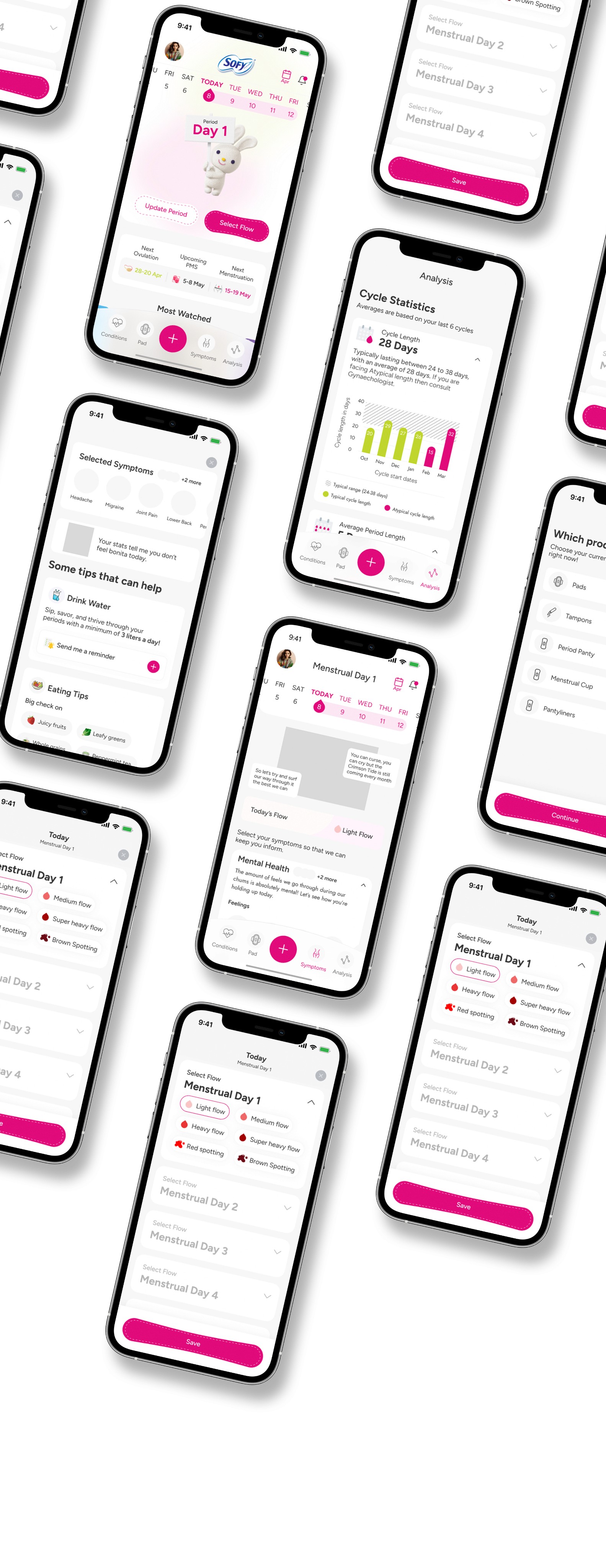
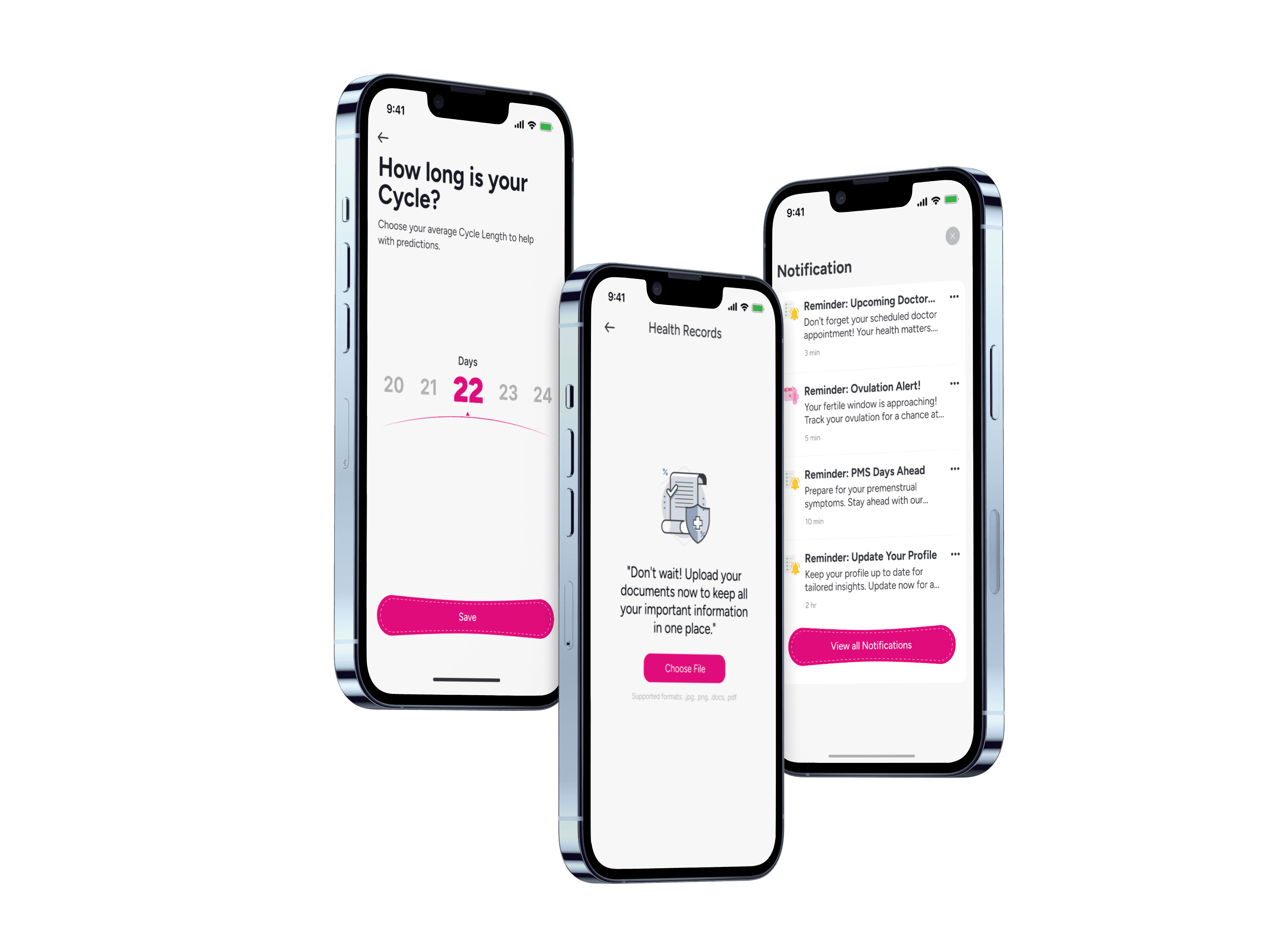
Created a design system for the Sofy Period Tracking App that promotes consistency across all interfaces, enhances visual clarity, and empowers users through an intuitive and supportive experience.
Goals and Objectives
The primary goal was to create a unified design system that brought consistency across all screens of the Sofy Period Tracking App. This meant establishing clear visual standards and reusable components to eliminate inconsistencies and streamline the design process. Another key objective was to enhance usability by improving clarity, reducing cognitive load, and ensuring that interactions felt intuitive and supportive for users tracking sensitive health information. Overall, the system aimed to improve both the product’s visual cohesion and the user’s confidence, comfort, and ease of navigation.
Design Principles
The design system was guided by principles of clarity, consistency, and empathy. Every element was crafted to communicate information simply and reduce cognitive overload. Consistent visual patterns help users recognize actions quickly, while an empathetic tone ensures that the experience feels supportive—important for a product centered around personal health. These principles shaped decisions around typography, color, spacing, and interaction patterns to create a cohesive and user-friendly environment.
Accessibility Considerations
Accessibility was a core focus to ensure the app could support users with varying needs. This included selecting high-contrast color combinations for readability, using clear typography sizes and hierarchy, and designing components that remain usable across different screen sizes. Interactive elements were optimized for touch accessibility, and patterns were created to work well with assistive technologies. These considerations help create an inclusive experience that all users can comfortably rely on.
Timeline
Overview
Tools Used
Role
The design system for the Sofy Period Tracking App was created to unify every part of the user interface, ensuring that visual elements, interactions, and patterns remain consistent across the entire product. By establishing clear guidelines for typography, color, layout, and components, the system streamlines the design process and strengthens brand identity. This foundation helps designers and developers work more efficiently while maintaining a cohesive, polished look and feel.
Beyond visual consistency, the system focuses on enhancing clarity and supporting users through an intuitive experience. Each component and interaction was crafted with user needs in mind—promoting accessibility, reducing cognitive load, and offering gentle guidance throughout the app.
May 2024 - Jun 2024
Adobe Photoshop
Figma
UX Designer
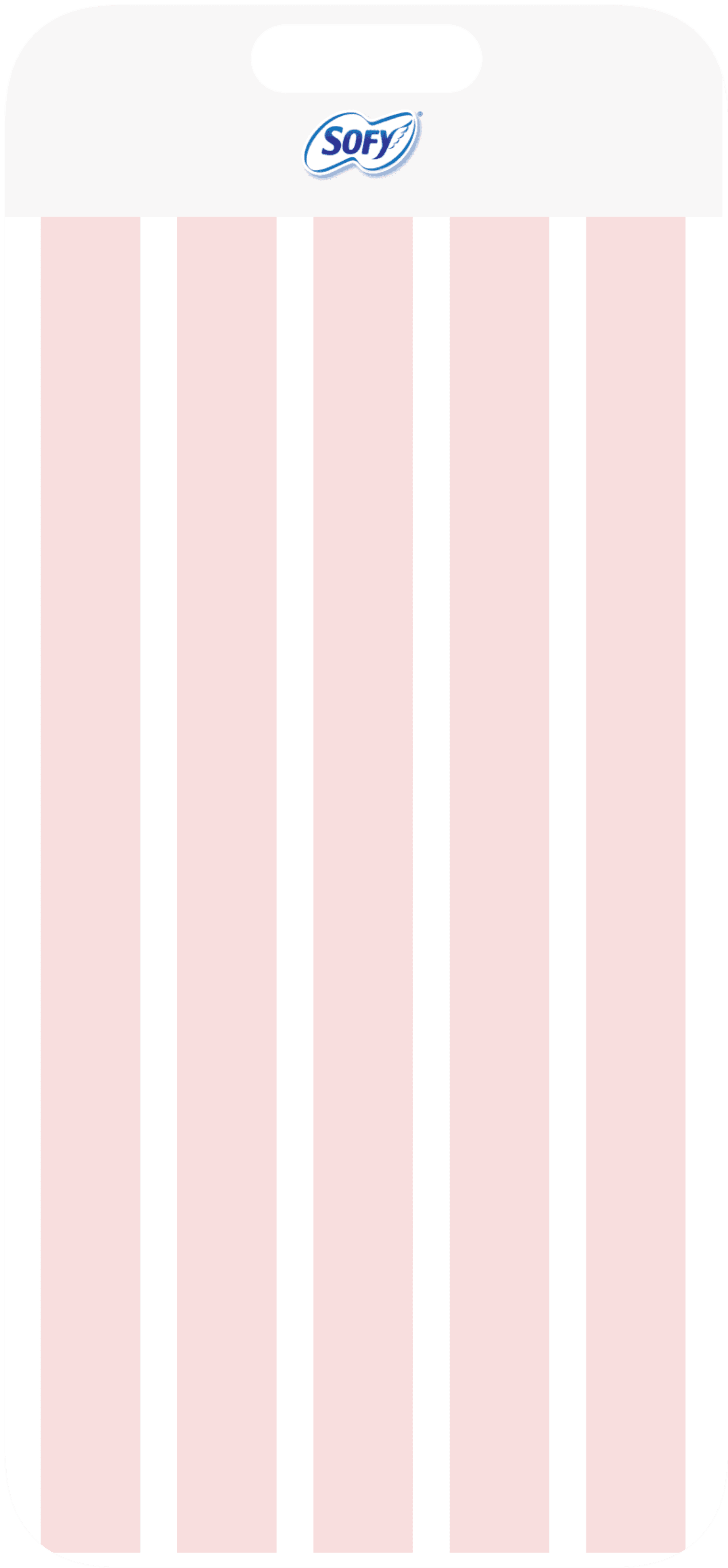
Layout Grid
Mobile
Count: 05
Column Width: 16
Gutter: 20
Margin: 21


Color palette
Neutral
#191B1F
#707070
#B6B6B6
#7D8287
#D9D9D9
#D1D2D9
#ECECEC
#E1E3E7
#EDEFF3
Primary
#E10C7B
#F7F7F7
Secondary
#C0D52E
#359C45
#1877F2
#F98600
#6D0A16
Shades of Pink
#EF6969
#FFC5E9
#F9C6C6
#FCE7F2
#FFE7E8
Shades of Red
#6D0A16
#FF0400
#A20300
#EA3535
Typography
Figtree
Font
Headline
40 px / Semi Bold
Headline 1
38 px / Bold
Headline 2
32 px / Bold
Headline 3
26 px / Bold
Headline 4
Body
16 px / Regular
Body 1
14 px / Regular
Body 2
12 px / Regular
Body 3
Fields
16 px / Regular
Body 1
14 px / Regular
Body 2
Button/ Link
16 px / Regular
Body 1
Tab Bar
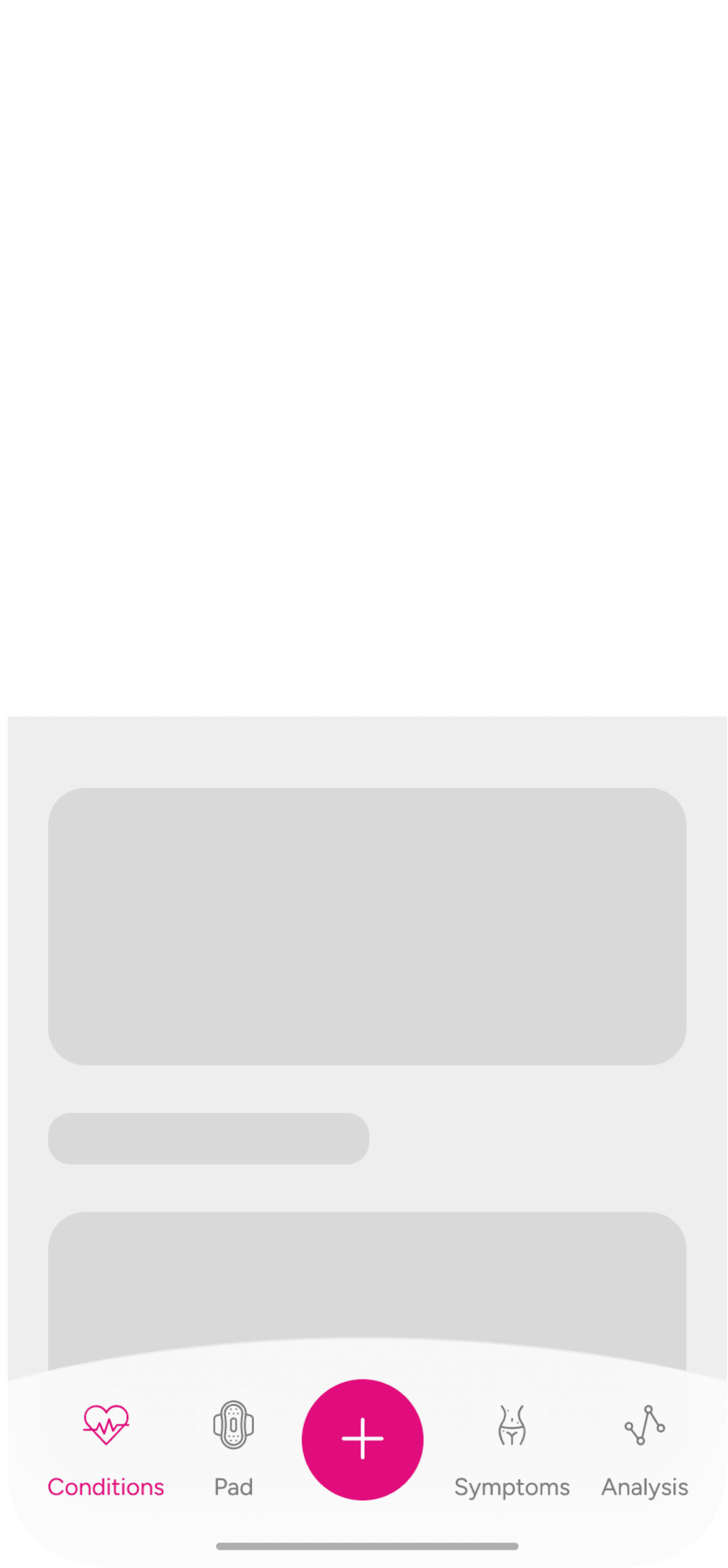
Conditions
Explore blogs, health insights, and FAQs about various conditions
Pad
Get custom-fit period essentials
Symptoms
Log your symptoms and get quick health tips
Analysis
Detailed view of your cycle history
Buttons
Circle button
Rectangle button
Write a Journal
Tap to Track
Size
Small
Select Flow
Medium
Write a Journal
Log Periods
Large
Variants
Active
Continue
Disable
Continue
Selectors
Toggle
Toggle OFF
Toggle ON
Checkbox
Checkbox
Checkbox
Checkbox
Checkbox
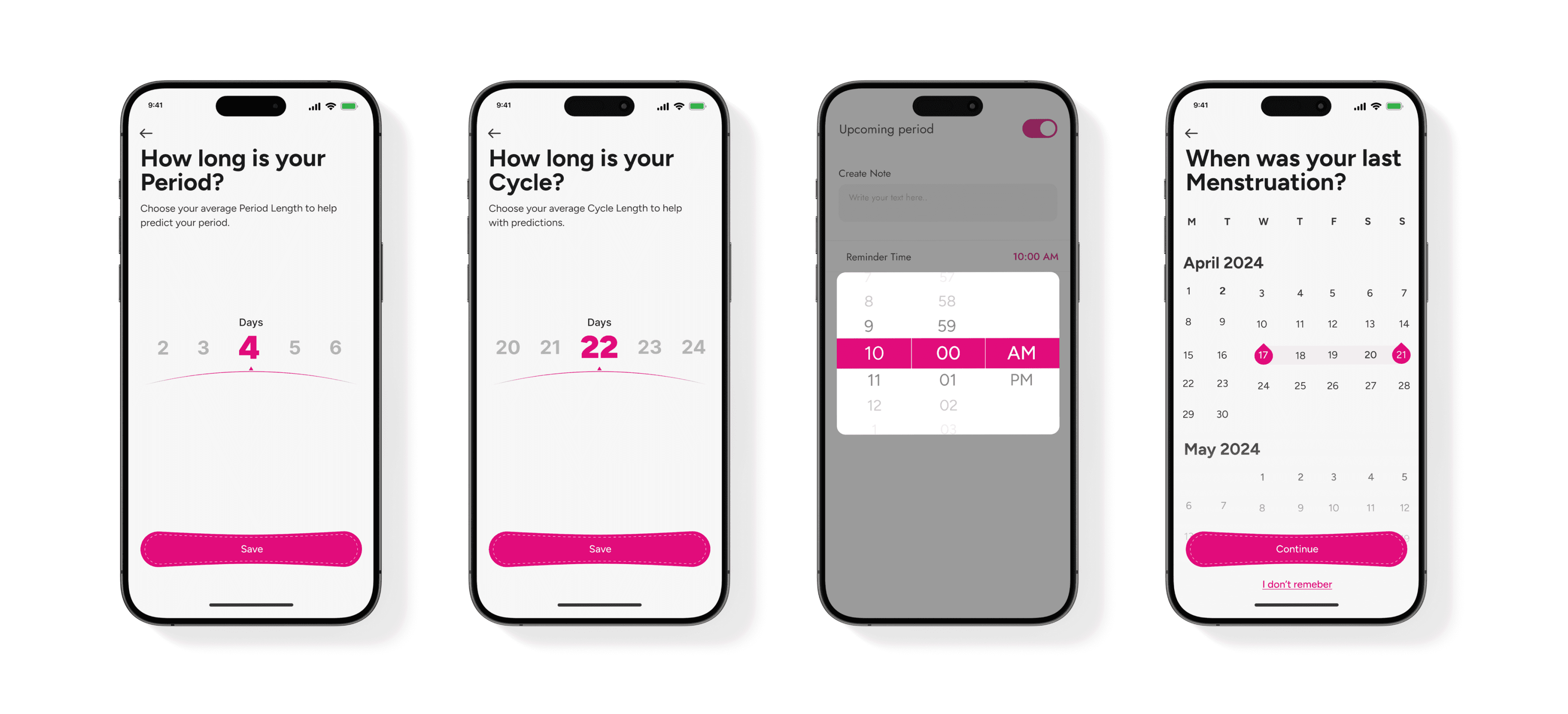
Data Picker
Text Fields
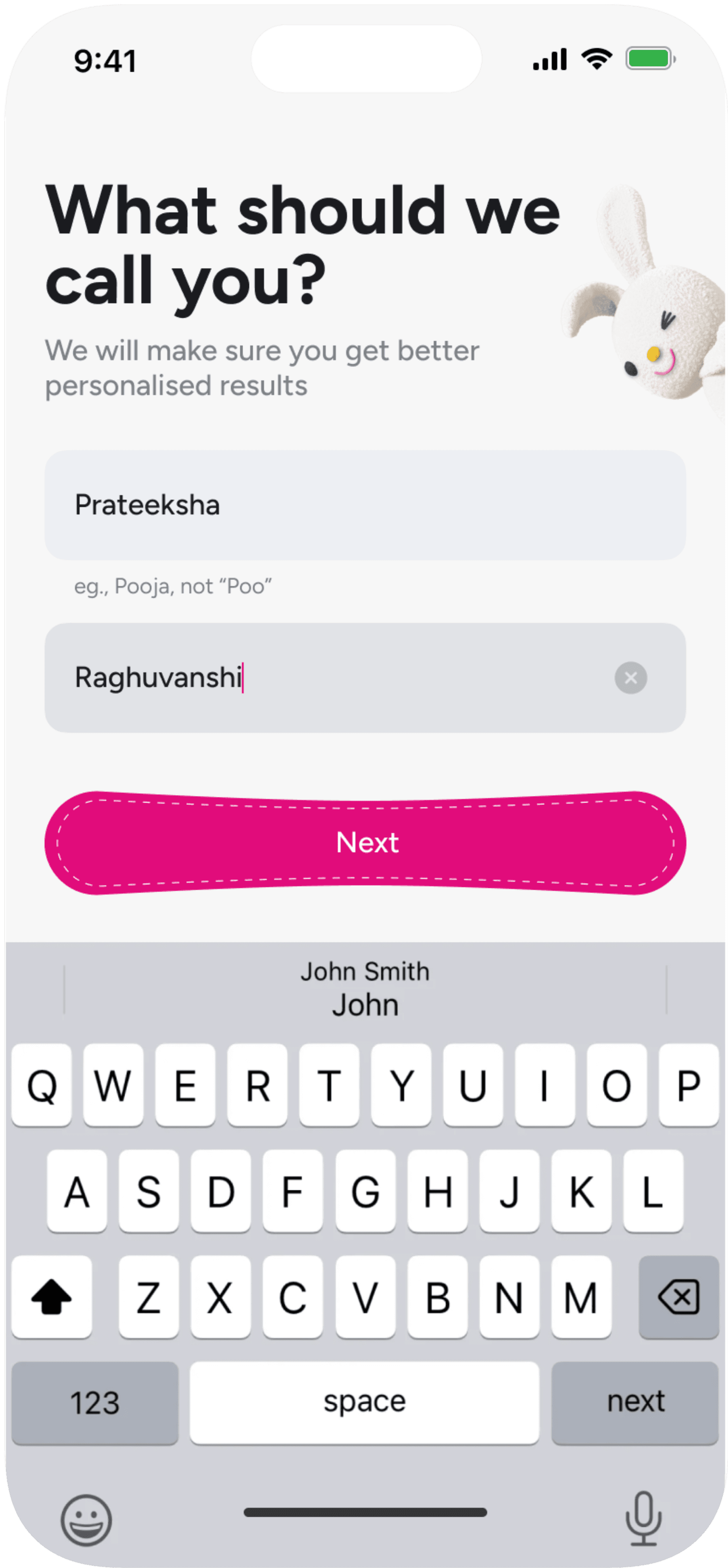
Normal Text
Used for basic information
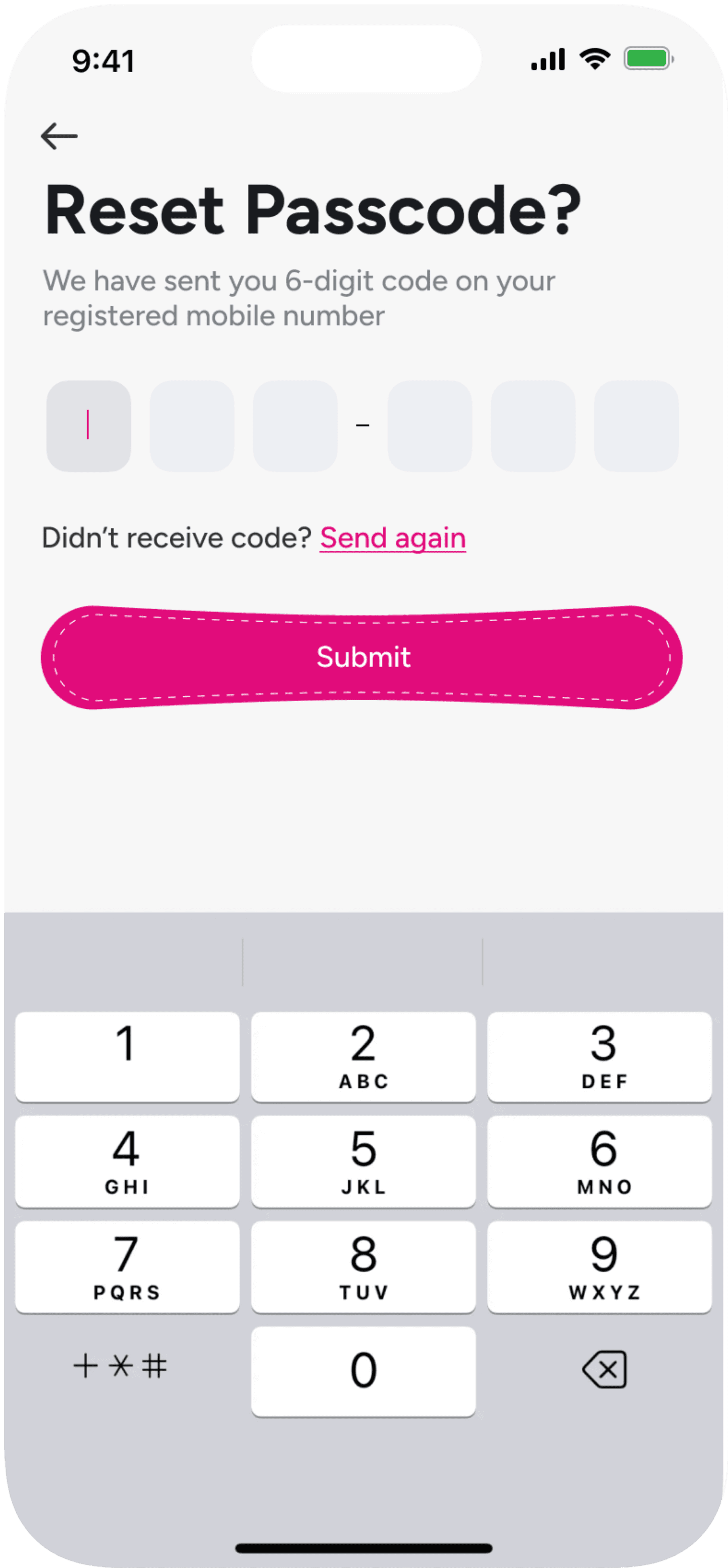
Reset Password
Used to reset your password
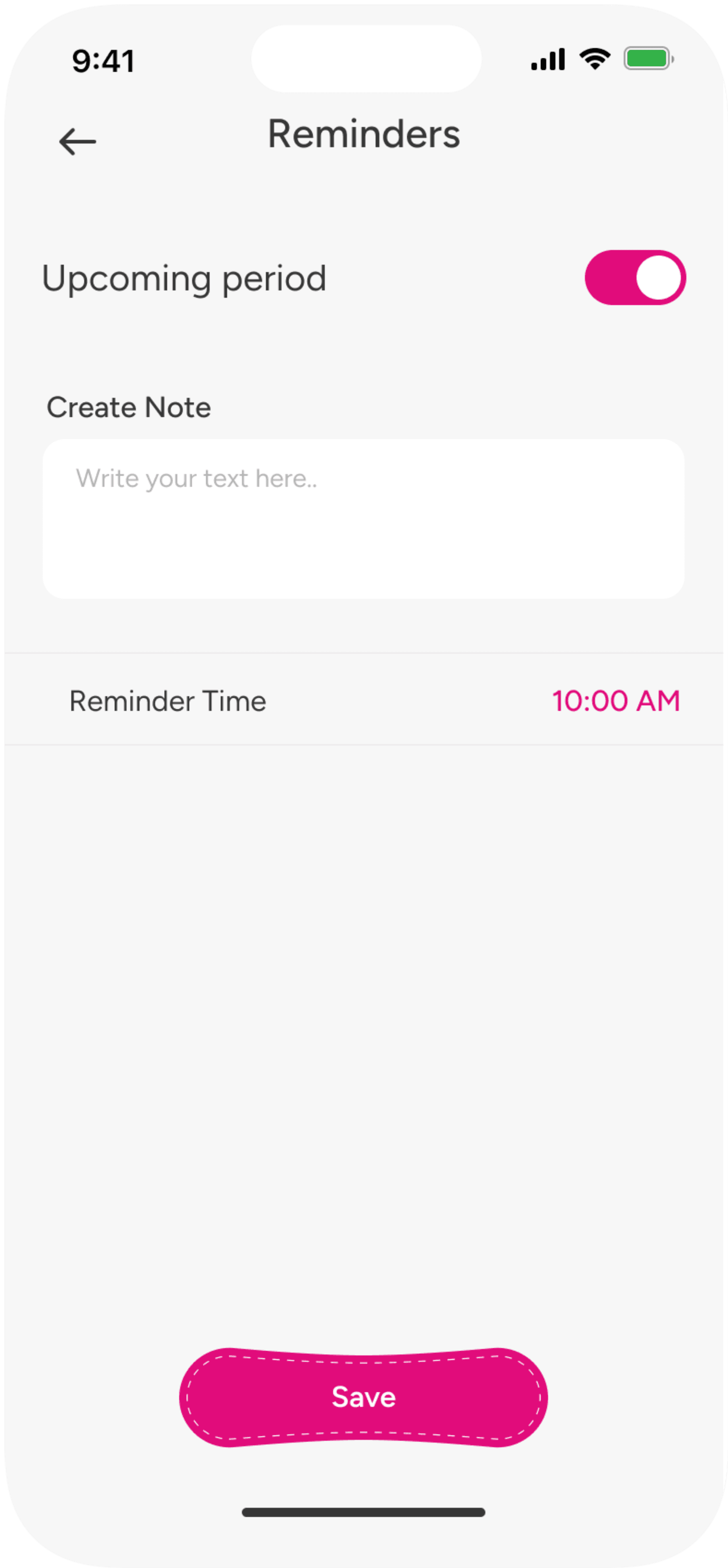
Create Note
Used to create note related reminders
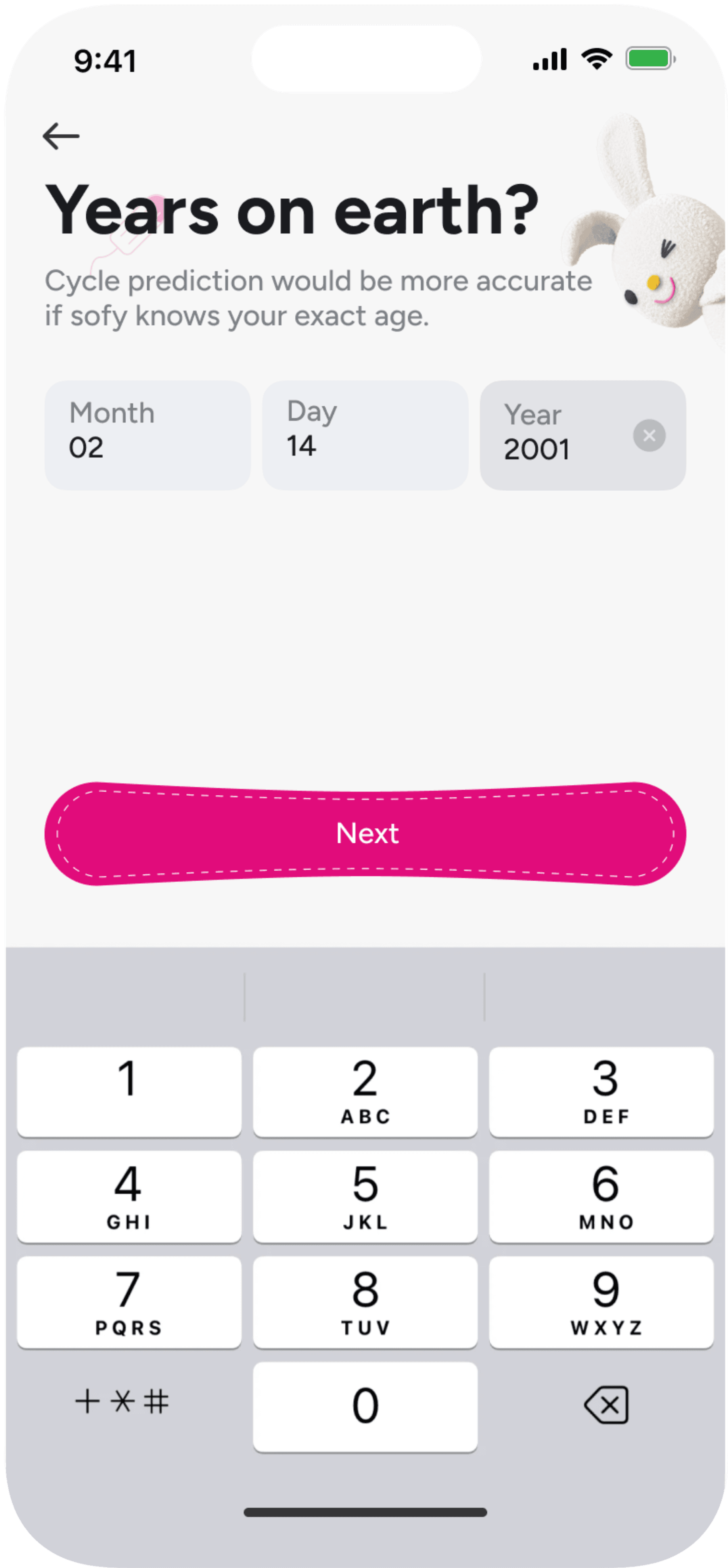
Used for selecting age
Years on Earth
Impact / Results
The design system delivered noticeable improvements to both the product and the design workflow. Interface inconsistencies were significantly reduced, resulting in a clearer, more polished user experience. Designers and developers were able to work more efficiently using shared components and guidelines, speeding up production and reducing rework. For users, the app became easier to navigate, more visually cohesive, and more supportive—ultimately enhancing overall user satisfaction and confidence.
You’ve reached the End
Thank you for stopping by
Errors
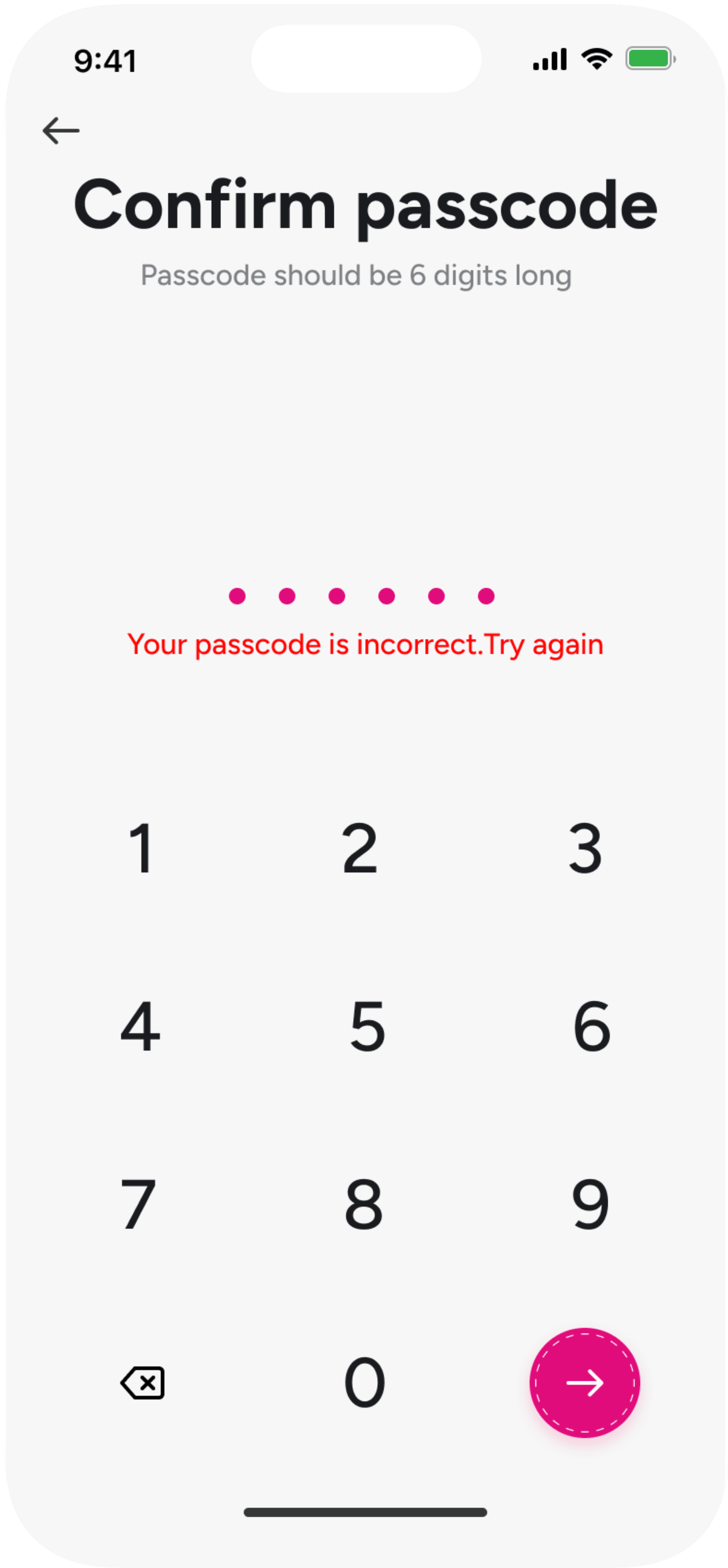
Incorrect Password
Verify occurred mistakes
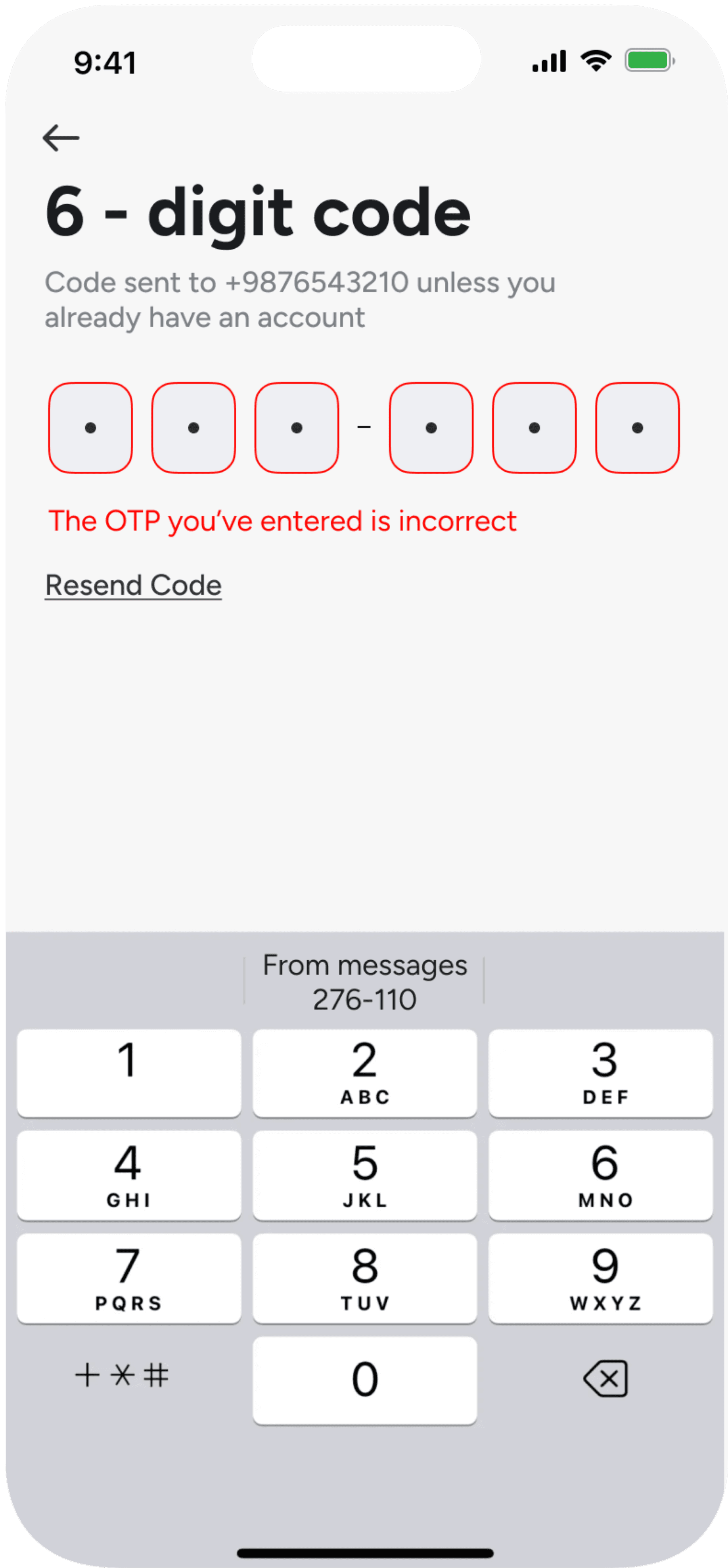
Incorrect OTP
Verify occurred mistakes
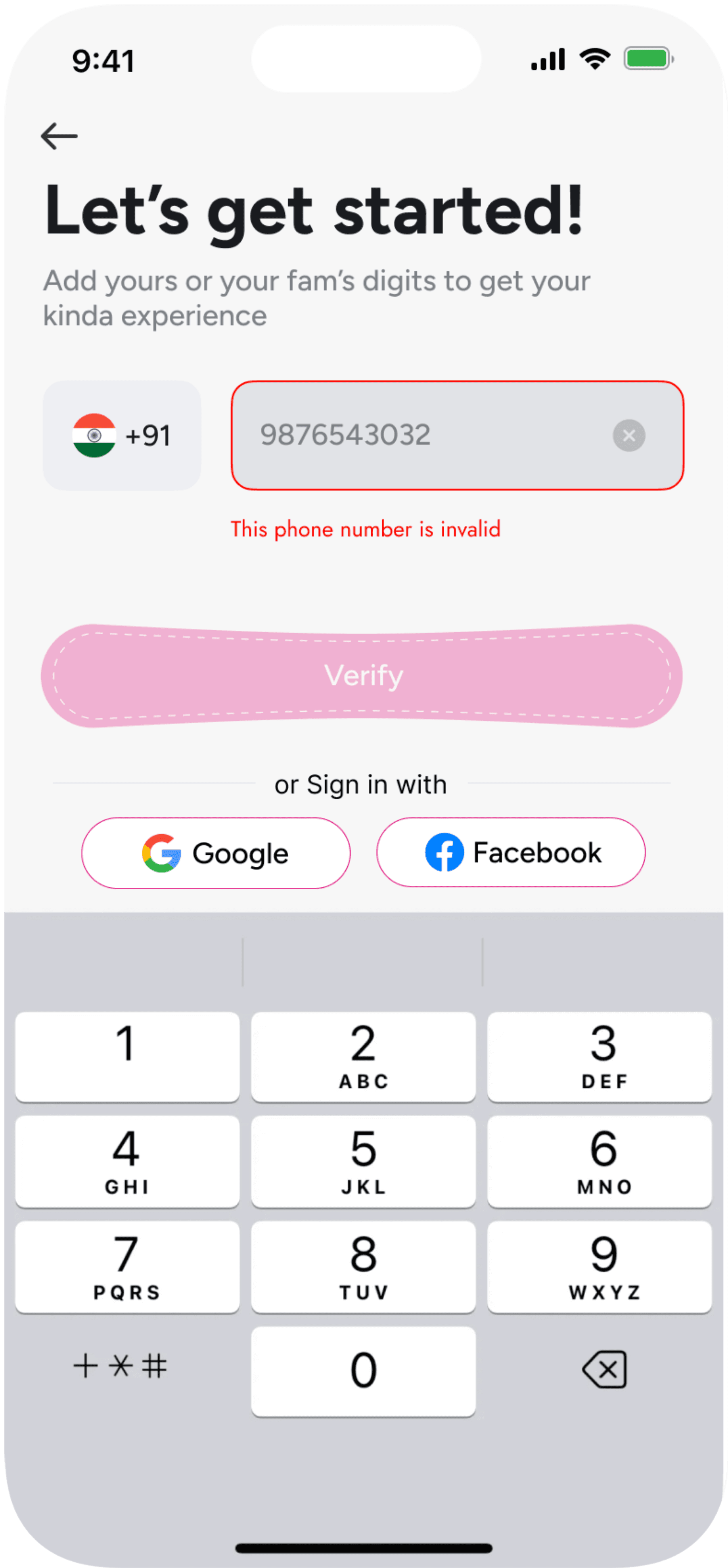
Invalid Phone No.
Verify occurred mistakes
Components
🍵
Peppermint tea
🥟
Spice and everything nice
🍟
Salty, Oily snacks
🍫
Sugar
🍓
Juicy fruits
🥬
Leafy greens
Big check on
Eating Tips
Write a Journal
Hey, I want to tell you how I am feeling today, Let me write you a journal
Drink Water
Sip, Savor, and Thrive Through Your Periods with a Minimum of 3 Liters a Day!
Send me a reminder
Super heavy flow
Heavy flow
Brown Spotting
Red spotting
Medium flow
Light flow
Menstrual Day 1
Select Flow

Sofy Anti Bacteria Extra Long
For day
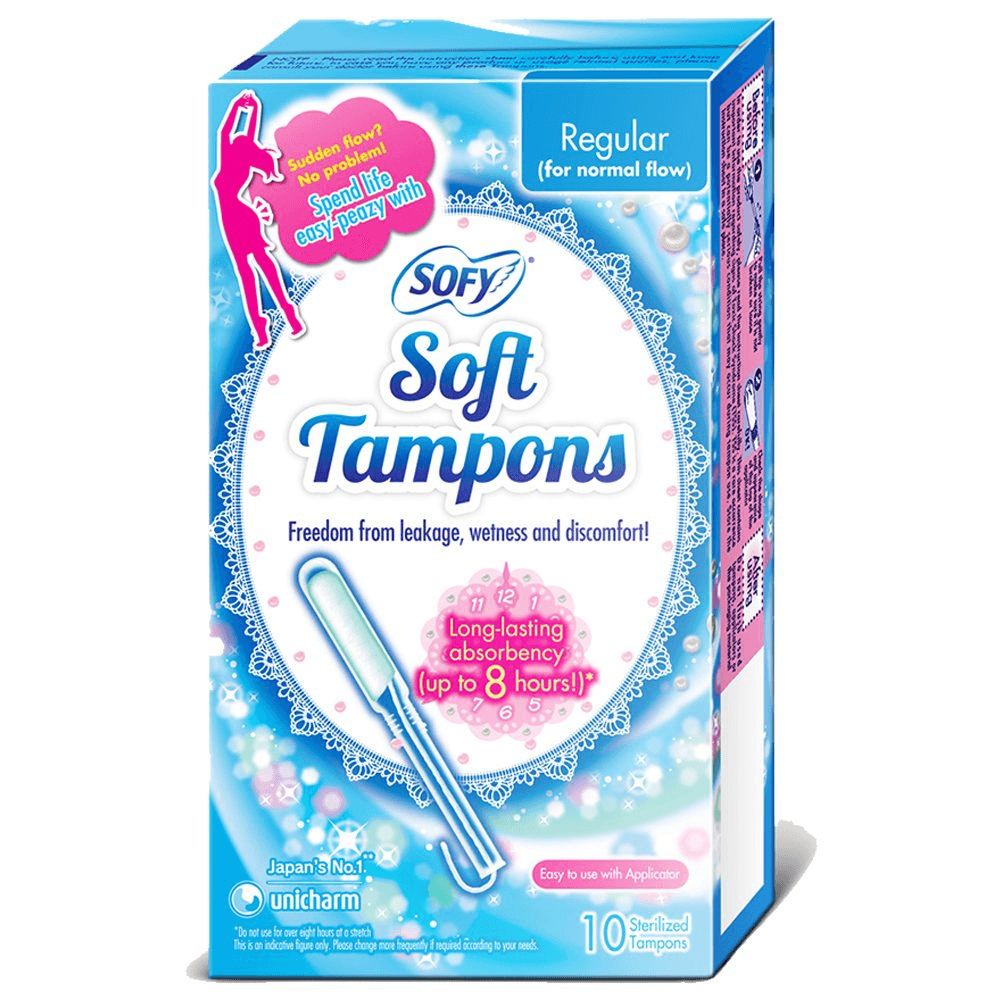
SOFY Soft Tampons (Long lasting 8 hrs)
For night
Period

Edit Profile
+91 9876 543 210
Prateeksha
🧘🏼♀️
Meditation
😴
Sleeping
😮💨
Breathing exercises
There are more than one ways of resting your body. Surprised?
8 Hours
At least 8 hours of sleep, as it is the best fighter of period fatigue.
Take Rest
Fertile Day
PMS
Ovulation
Tags
Period
More+
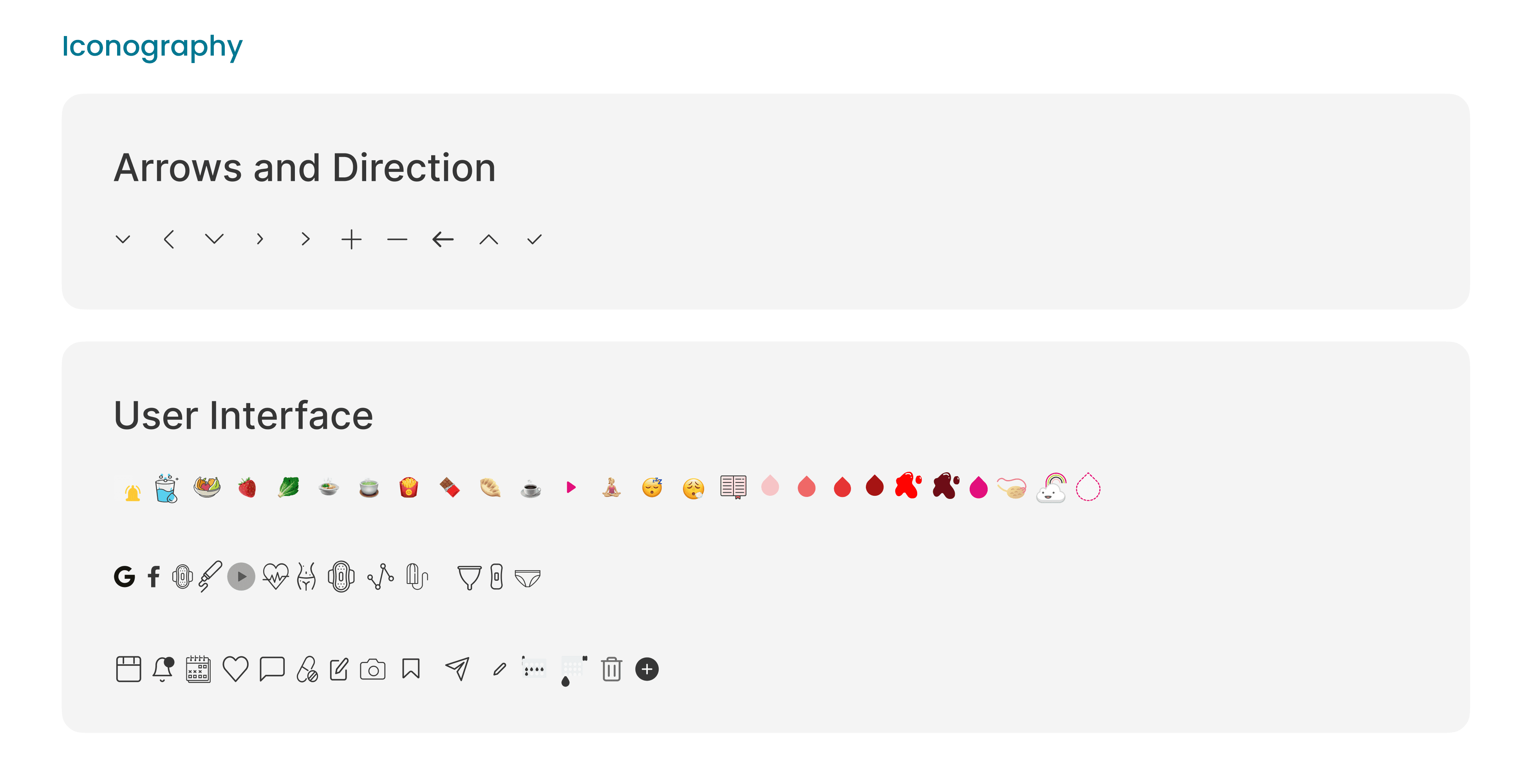
Various components to systemize
user interfaces
Onboarding
Notifications
Analysis
Calendar
Symptoms