UI/UX Case Study
EchoTouch
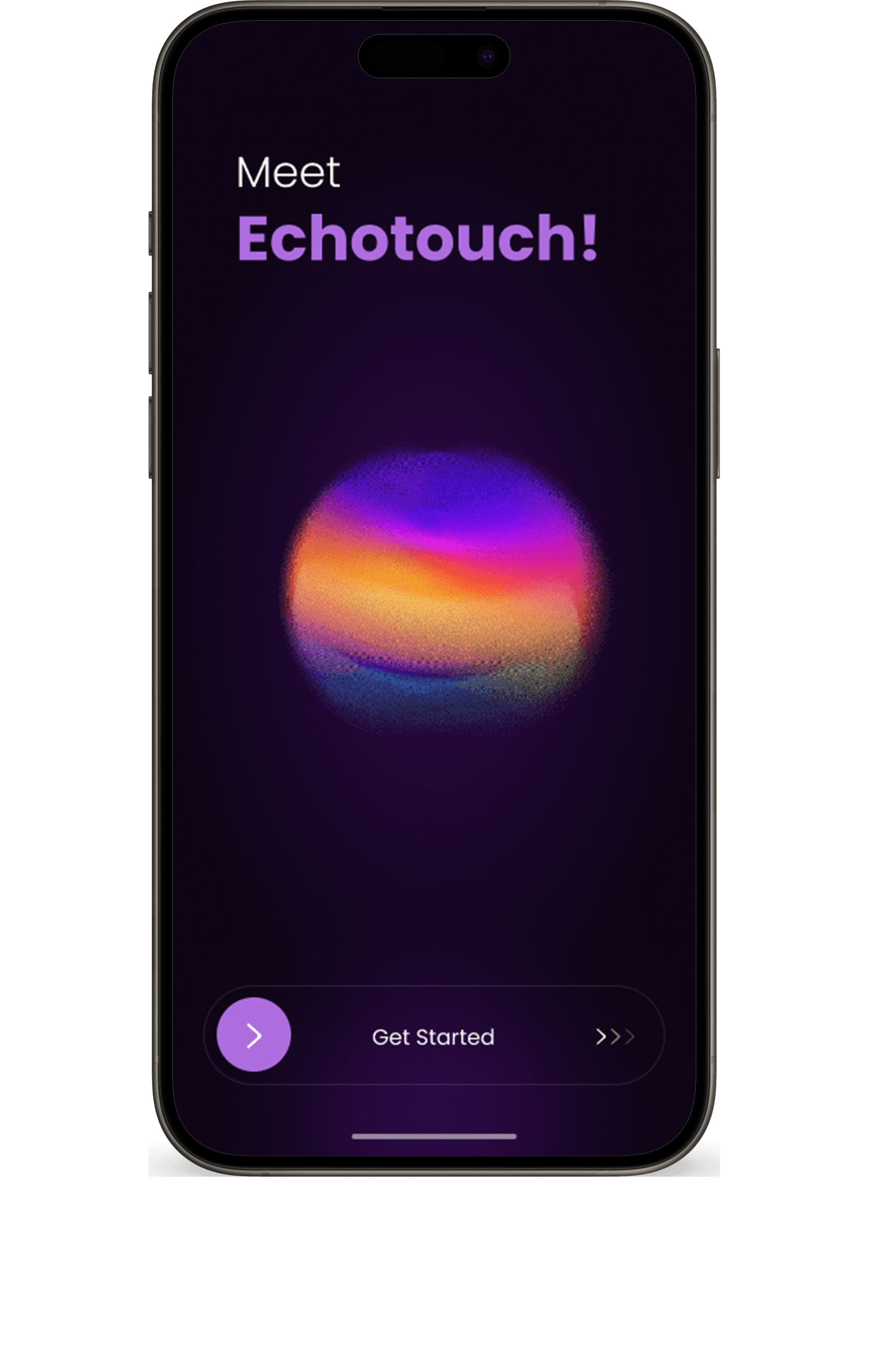
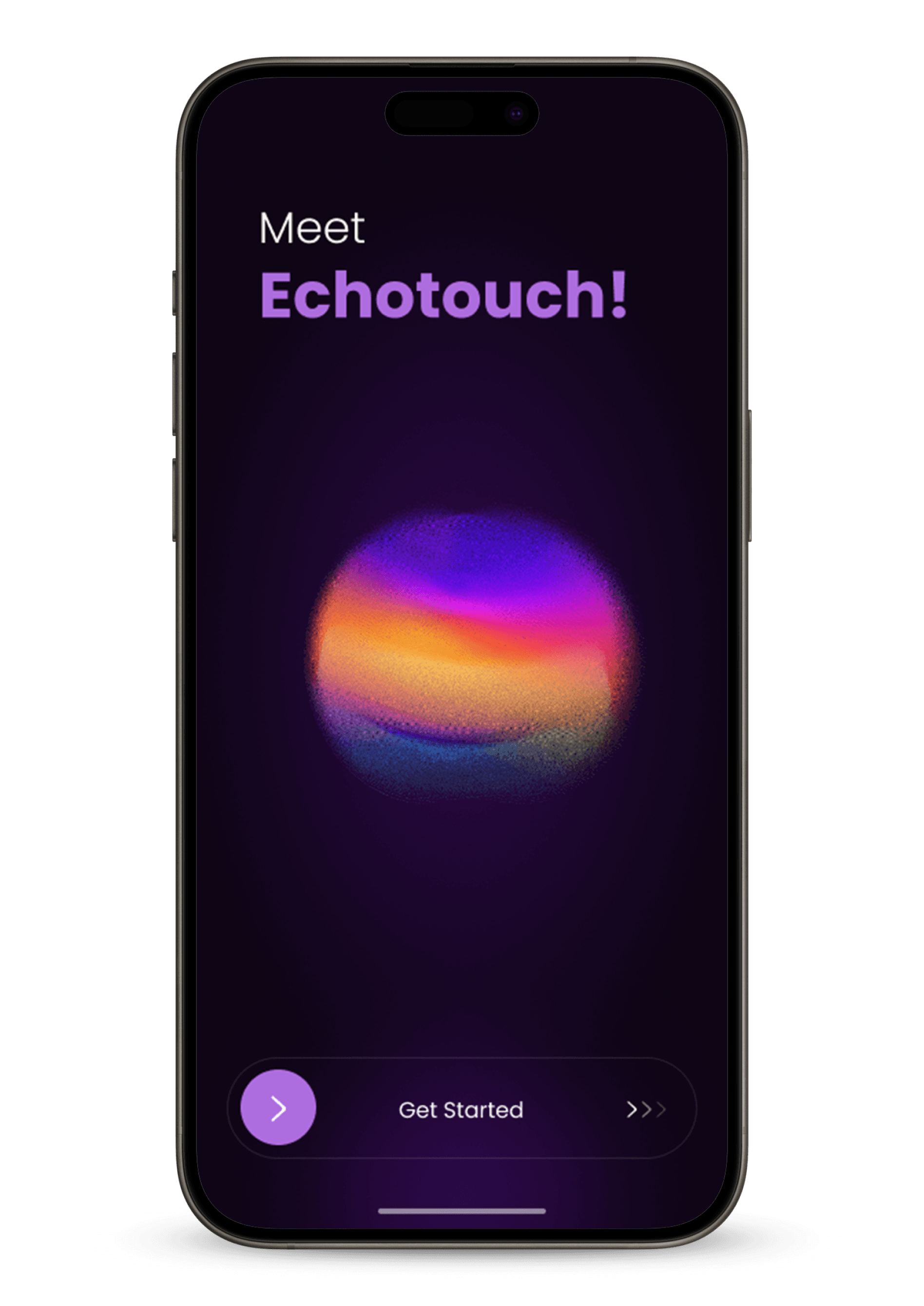
An AI-powered accessibility app designed to help visually impaired users safely navigate ATMs independently. It uses artificial intelligence to detect ATM screens, buttons, and instructions through voice guidance. The app ensures users can complete transactions securely.


Problem
Visually impaired users struggle to access ATMs due to limited audio support and reliance on touchscreens. There’s a need for a touch-free, sound-based solution for independent ATM use.
Solution
EchoTouch is an AI-powered mobile app that enables visually impaired users to interact with ATMs using spatial audio cues, real-time sound mapping, and voice commands—offering a fully touchless, independent, and accessible experience.
Timeline
Overview
Tools Used
Role
EchoTouch is a next-generation accessibility app that revolutionizes how visually impaired users interact with ATMs. Through advanced echo mapping technology, it scans the surrounding environment and translates spatial details into intuitive audio cues. These cues help users locate and interact with ATM features, such as the card slot, cash dispenser, and screen, without any physical guidance or visual input.
By combining spatial sound, real-time object detection, and voice-assisted instructions, EchoTouch creates a completely touch-free and secure ATM experience. It not only reduces the risk of fraud or dependency on others but also promotes equal access to financial services. Ultimately, EchoTouch empowers users to perform transactions confidently, fostering true independence and inclusion in everyday banking.
Jan 2025 - May 2025
Figma
Adobe Photoshop
UX Designer
User Interviews
Qualitative Research
I conducted four user interviews to understand the ATM usage challenges faced by visually impaired individuals—two girls from a blind school, one professional I connected with on LinkedIn, and one person I met in the market. These conversations provided valuable insights that shaped the design of EchoTouch.
Could you tell me a bit about your daily routine?
Do you use a smartphone or any assistive technology?
Are there any specific tasks or situations where you often feel like you need more support or accessibility?
When using technology, do you prefer audio feedback, vibrations, or something else?
Have you used an ATM machine independently?
What difficulties do you usually face while using an ATM?
User Stories
I spoke directly with visually impaired users to understand their needs, challenges, and expectations. Their insights helped shape key features of EchoTouch, ensuring the app aligns with their real-world experiences and enhances ATM accessibility.
Competitor Analysis
Quantitative Research
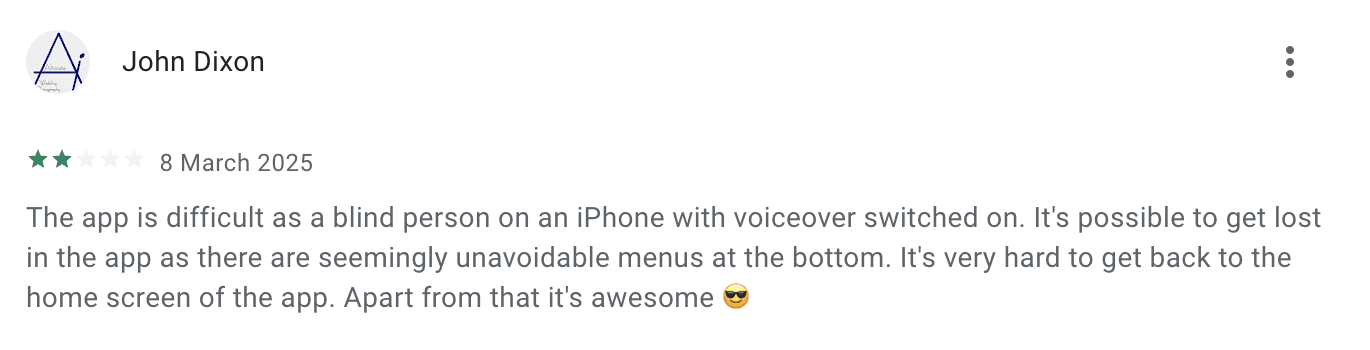
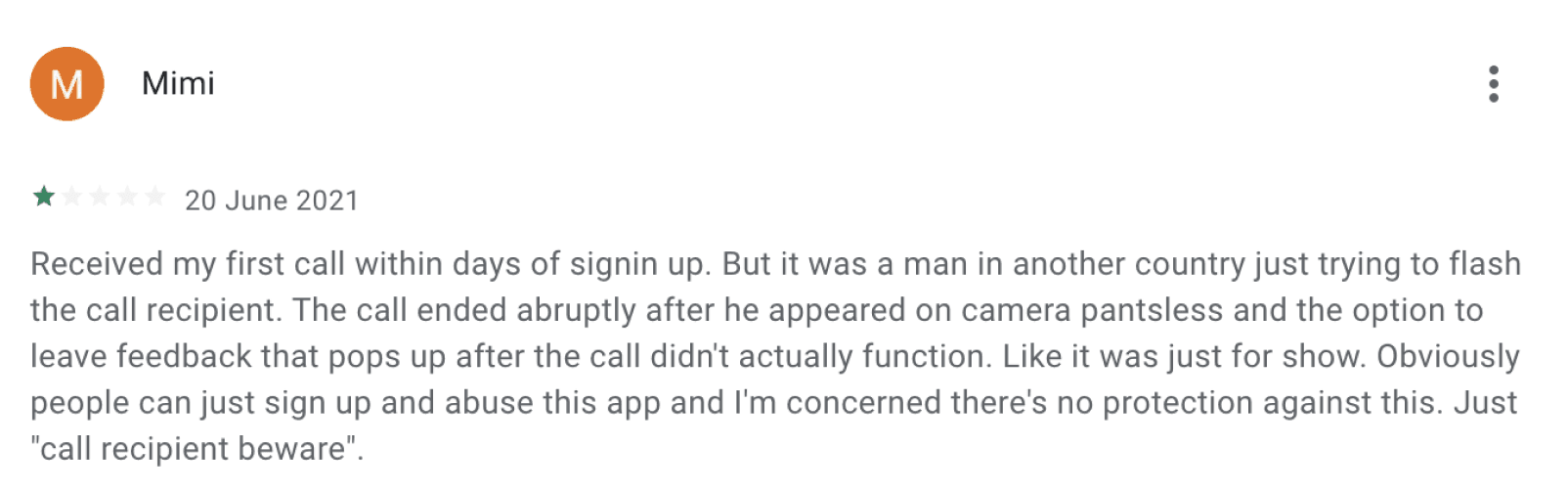
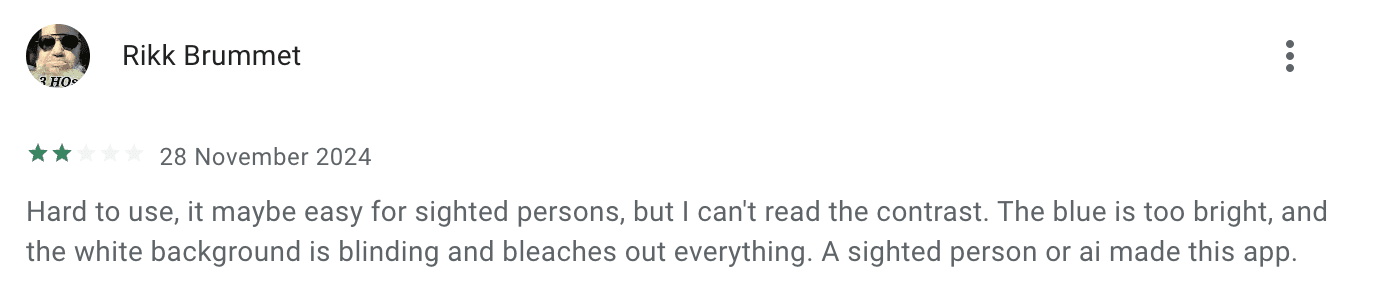
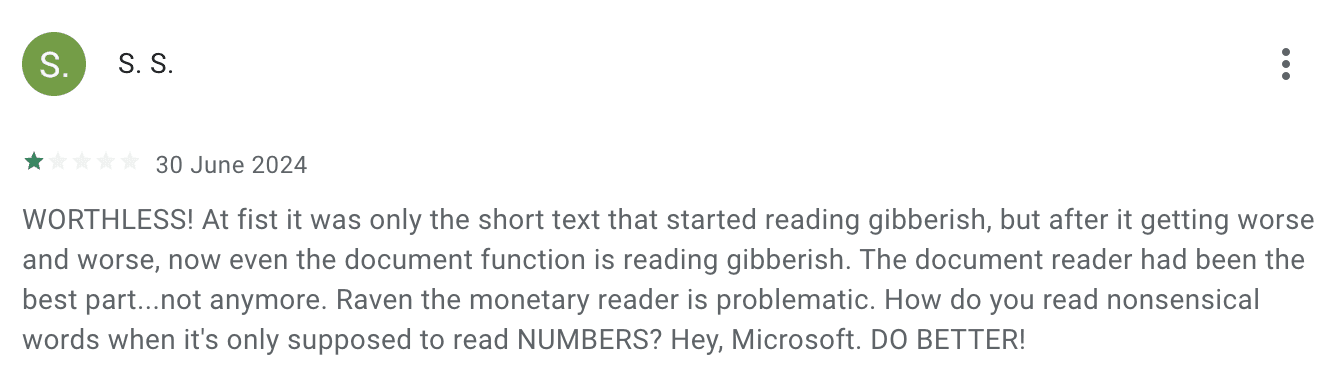
Explored existing accessibility applications, personally tested them, and gathered feedback from users to understand their strengths and limitations. This helped identify key gaps that EchoTouch aims to address, especially in the context of ATM accessibility.

“Our daily routines are similar to those of sighted people, but we have to put in extra effort to accomplish the same tasks.”
“Some ATMs are accessible, with voice assistance and tactile buttons, but many are not. The lack of consistent accessibility tools, like headphone jacks or voice instructions, makes independent banking difficult.”
“We rely heavily on smartphones with TalkBack or VoiceOver, which makes navigating easier.”
“Depending on our preference, we use audio, vibration, or both as feedback methods.”
BeMyEyes

Direct competitor
4.8
741
Ratings
Reviews
Seeing AI
Direct competitor
4.4
724
Ratings
Reviews

Aira
In Direct competitor
4.0
110
Ratings
Reviews

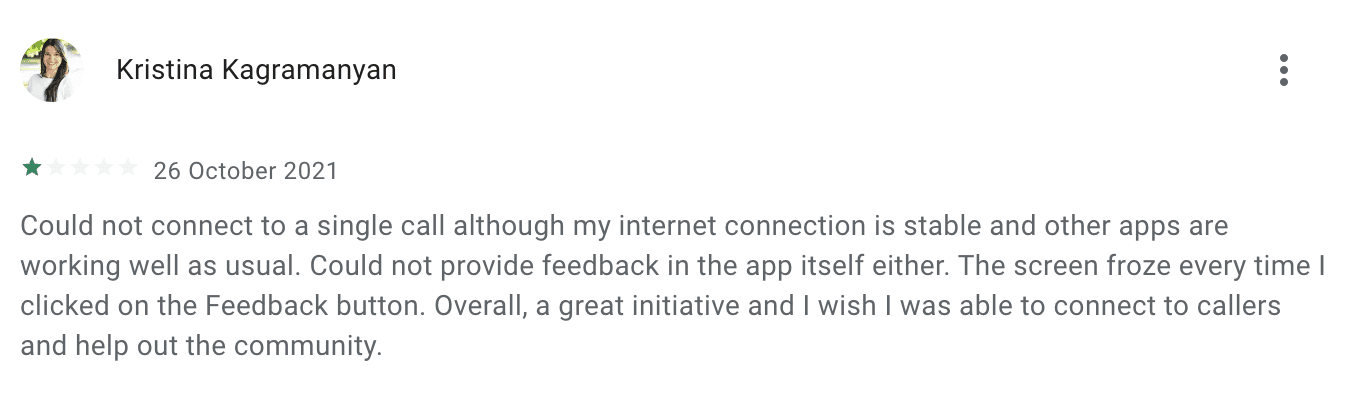
Competitor Reviews

User Persona
User Persona and Empathy Mapping
A User Persona was developed to represent the key characteristics, goals, and pain points of visually impaired users. This helped in aligning the design of EchoTouch with real user needs.

Arjun Sharma
Age- 27
Gender- Male
Professional- Disability Advocate
Location- Chennai
Arjun Sharma is a 27-year-old customer support executive and passionate disability rights advocate based in Chennai, India. Visually impaired since birth, Arjun has turned his lived experiences into meaningful advocacy, focusing on creating a more inclusive and accessible world for people with visual impairments.
Bio
Pain Points
Inaccessible ATMs with no voice or tactile support
Privacy issues when sharing PINs in public
Limited features and safety concerns in assistive apps
Goals
Use ATMs and payment systems independently
Advocate for better digital accessibility
Support and contribute to inclusive tech solutions
Empathy Mapping
An Empathy Map was created to gain deeper insights into the thoughts, feelings, actions, and challenges of visually impaired users. This guided more empathetic and inclusive design decisions for EchoTouch.
Low Fidelity Wireframes
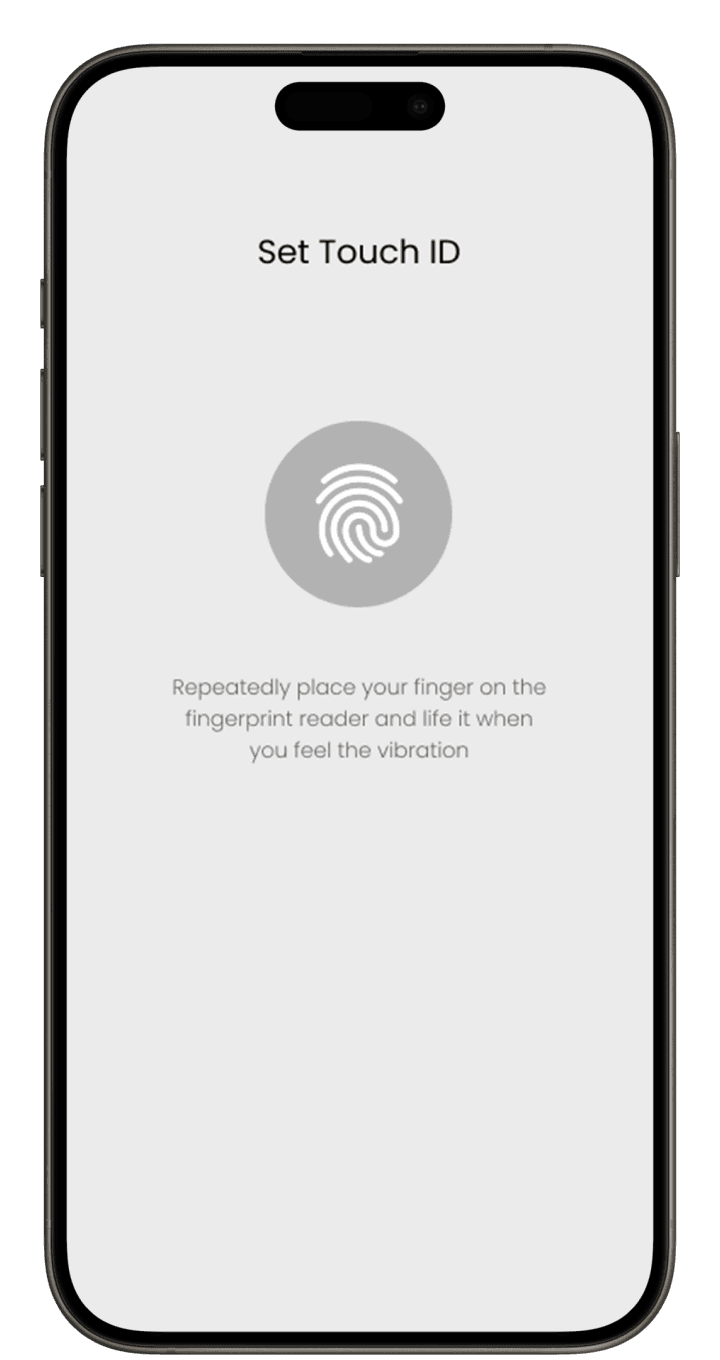
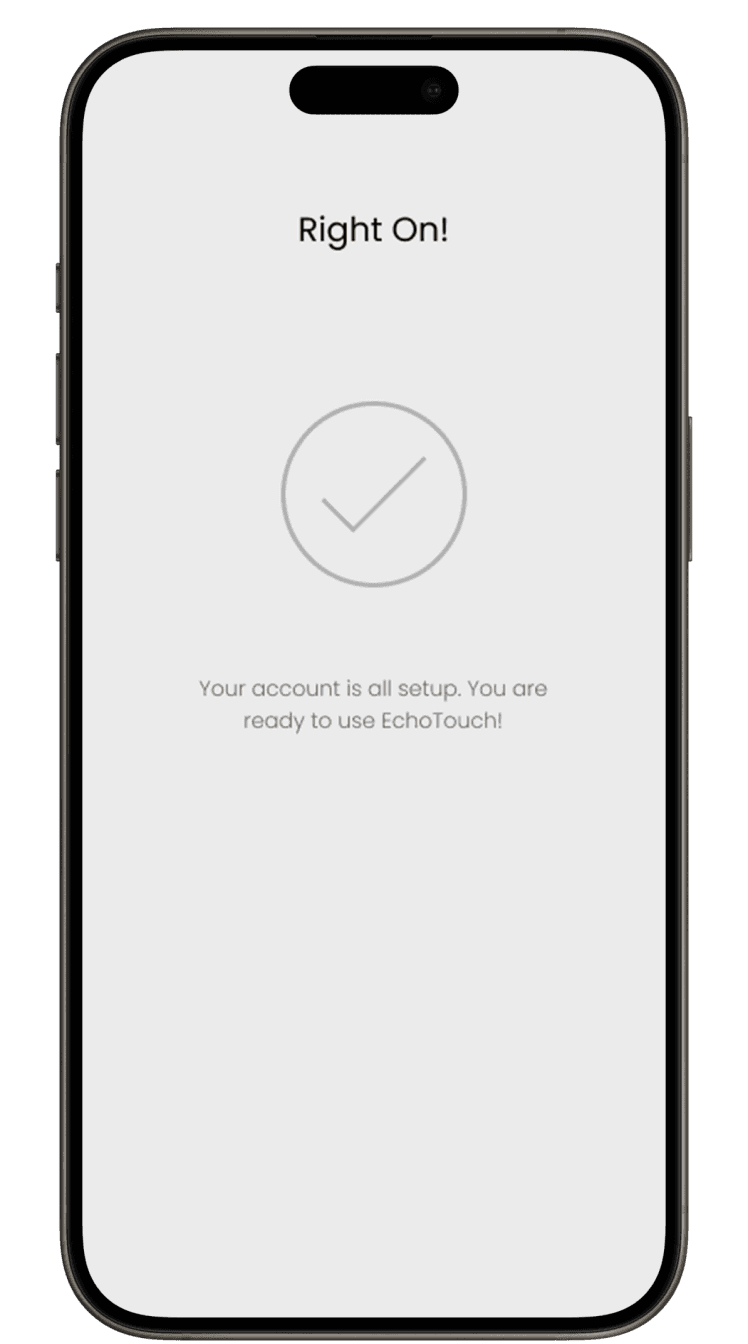
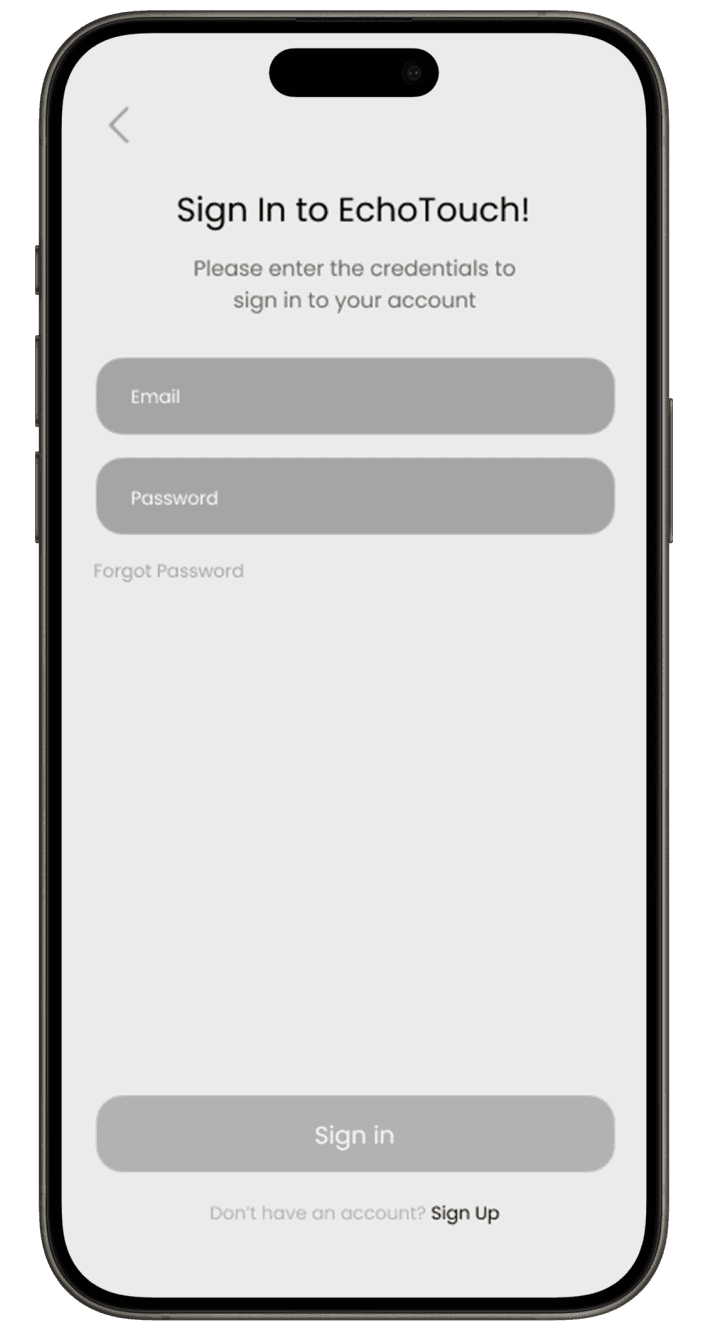
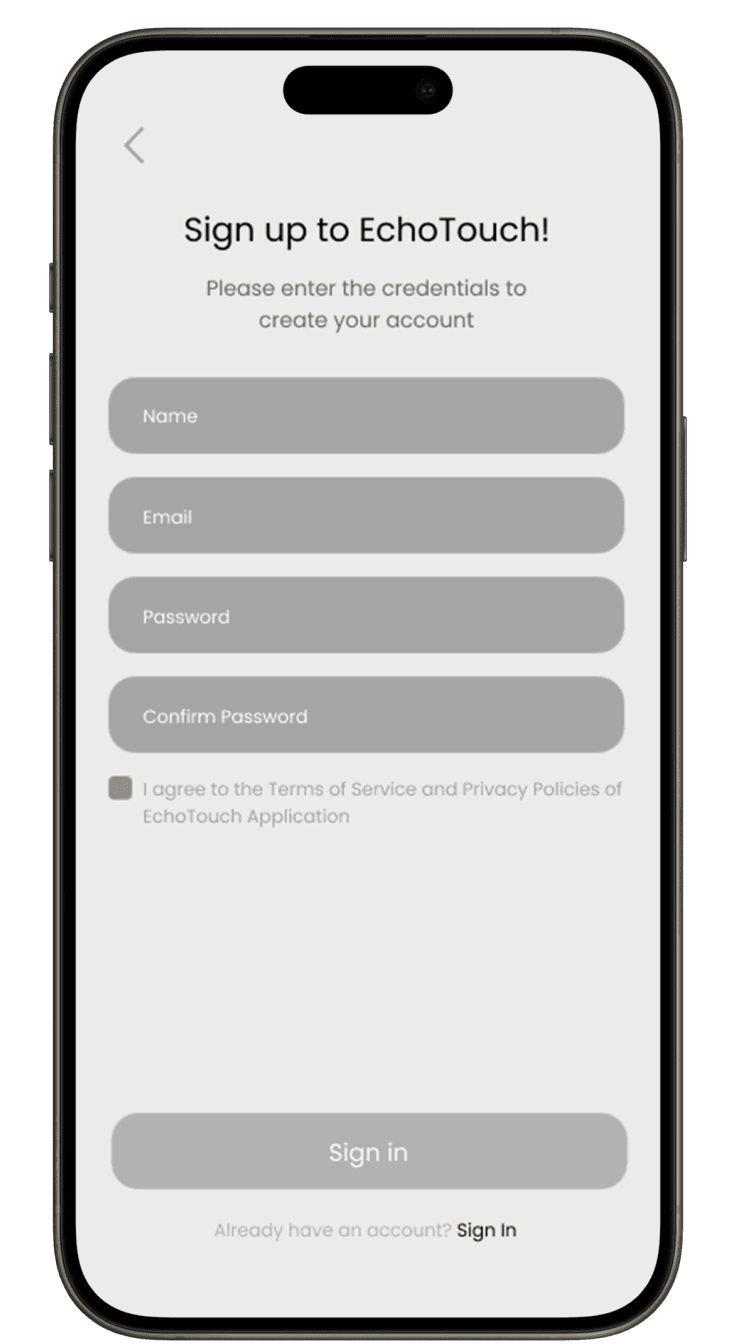
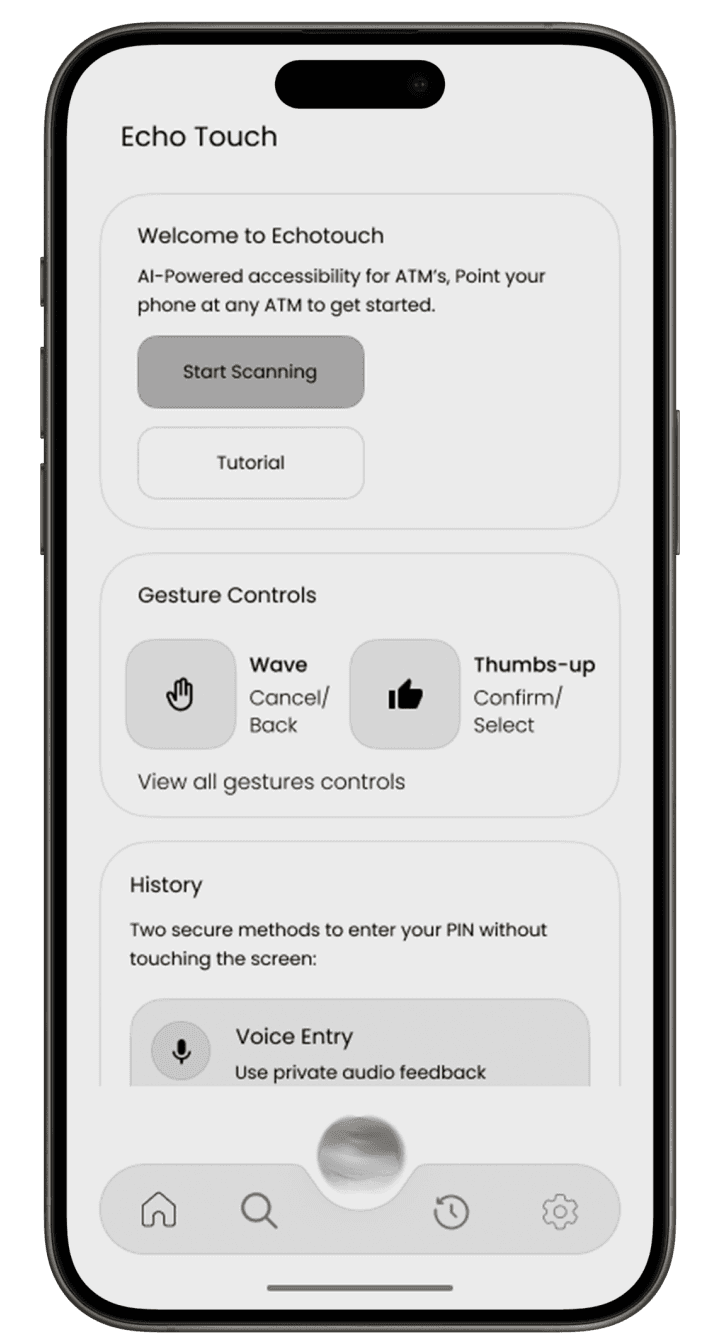
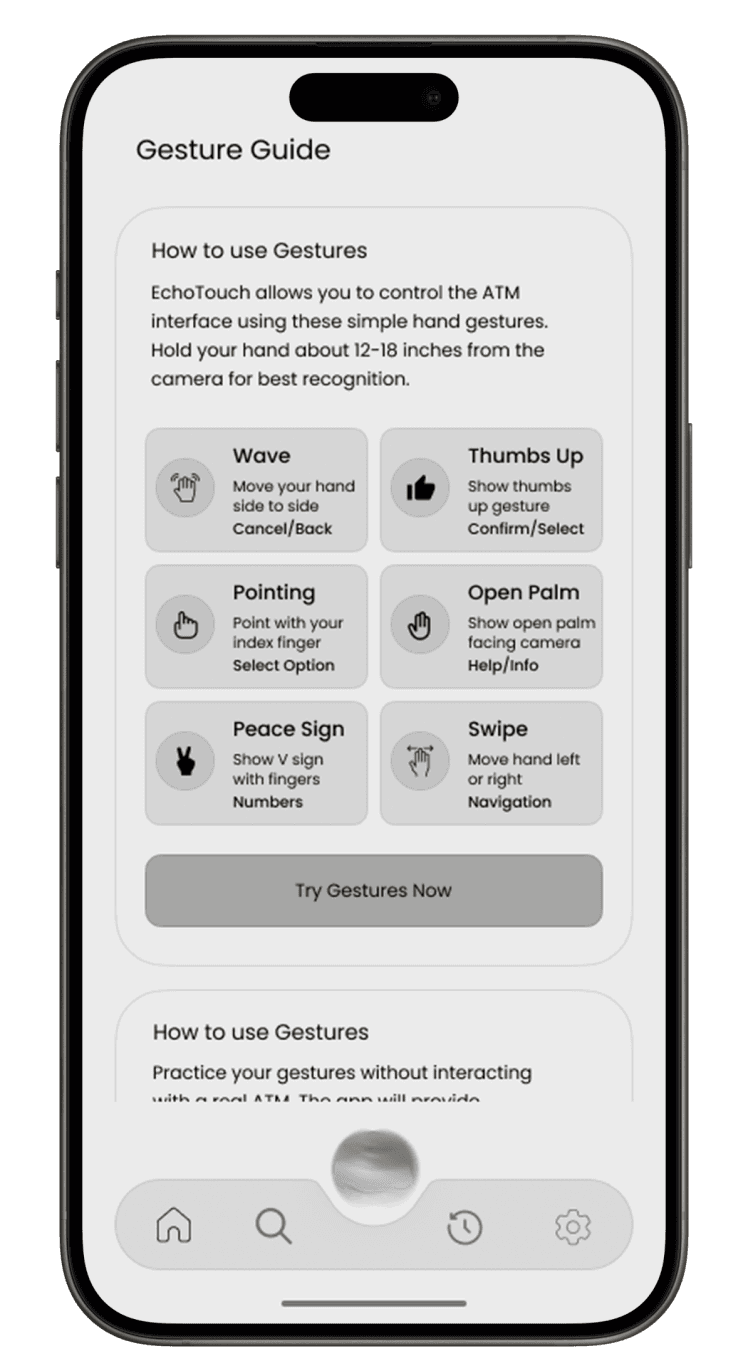
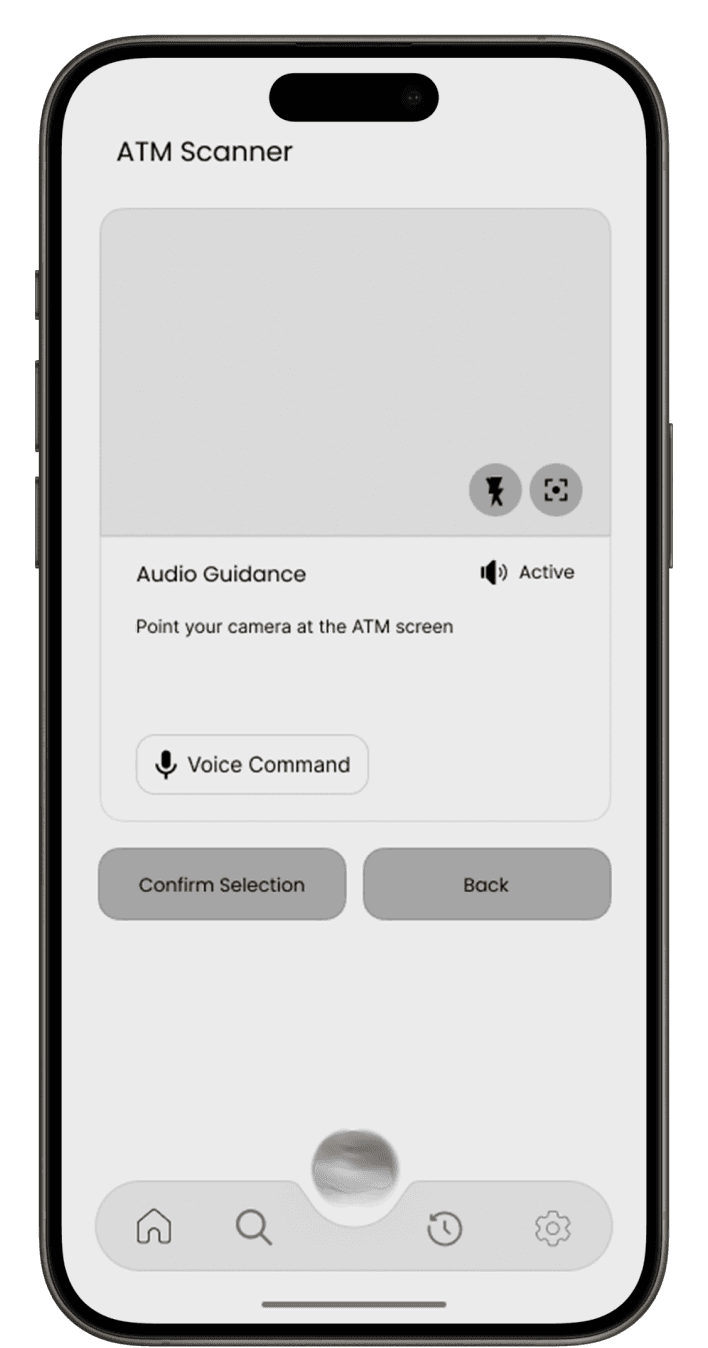
Low-fidelity wireframes were created to map out the core features of EchoTouch, focusing on accessibility, voice navigation, and a smooth, touch-free user experience. These helped define the user flow and layout before moving to high-fidelity designs.
Thinks
Says
Feels
Does
Will this ATM have voice assistance?
I want to be independent when using ATMs.
Tries to use ATMs independently whenever possible
Vulnerable when privacy is compromised
There has to be a better and safer way for us to manage money.
Accessibility should be a priority, not an afterthought.
Uses assistive tech (TalkBack, screen readers) daily
Frustrated when denied independence

“WCAG guidelines ensure even visually impaired users benefit from thoughtful visual structure and accessibility.”
Visual Design
EchoTouch uses high contrast, clear icons, and simple layouts to support accessibility and screen reader compatibility, following WCAG guidelines.
POPPINS
FONT
Aa Bb Cc Dd Ee Ff Gg Hh Ii Jj Kk Ll Mm Nn Oo Pp Qq Rr Ss Tt Uu Vv Ww Xx Yy Zz
1234567890!@#$%^&*()_+=<>?:”;
Type Scale
10px/12px/14px/16px/18px/20px
#3C0C62
#AE6DDF
#494949
#0C0C0C
Icons
Call To Action (CTA)
48px
80px
4px
80px
Speak PIN Digit
48px
100px
100px
Try Gestures Now
48px
1px stroke
Export Session History
Main Flow
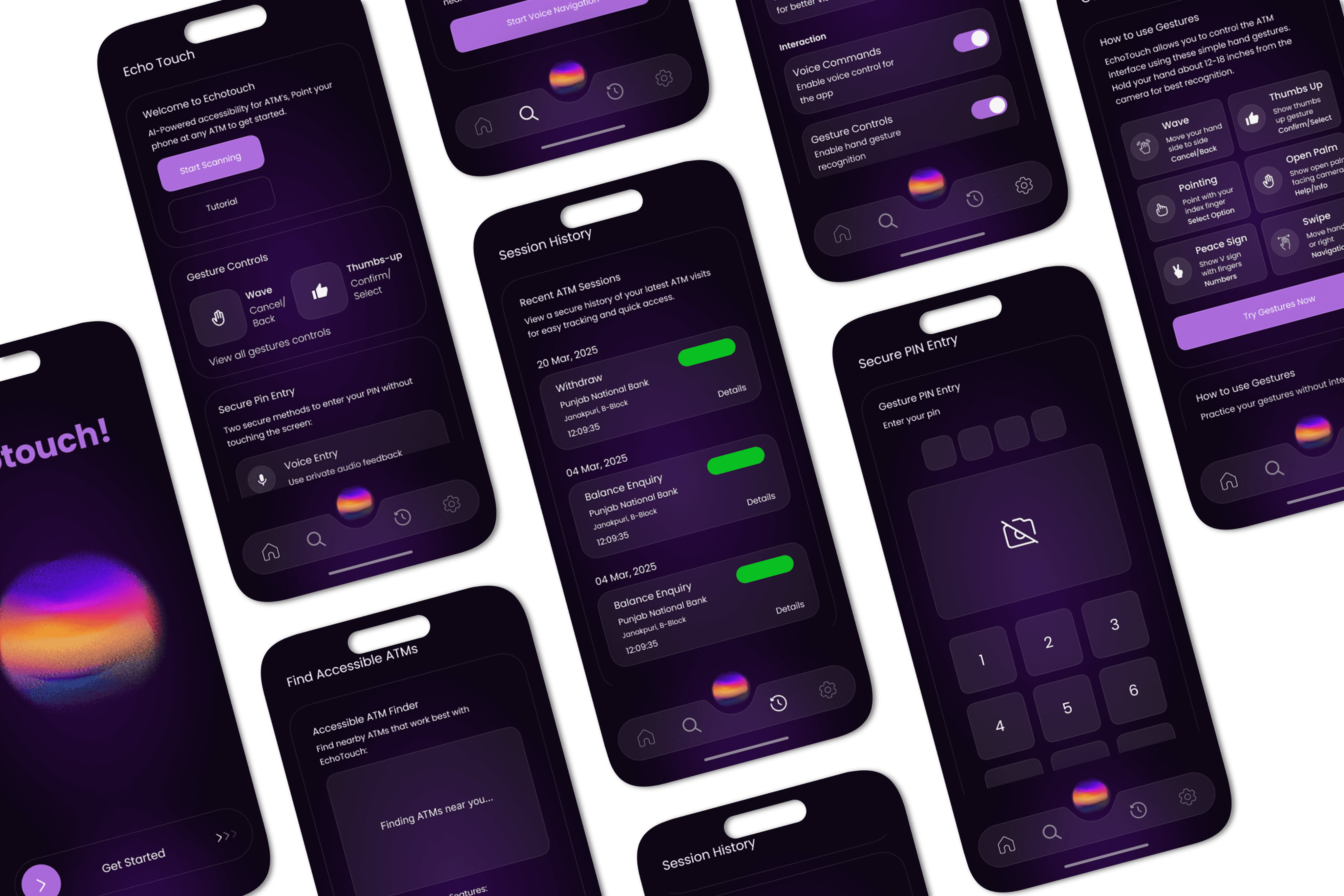
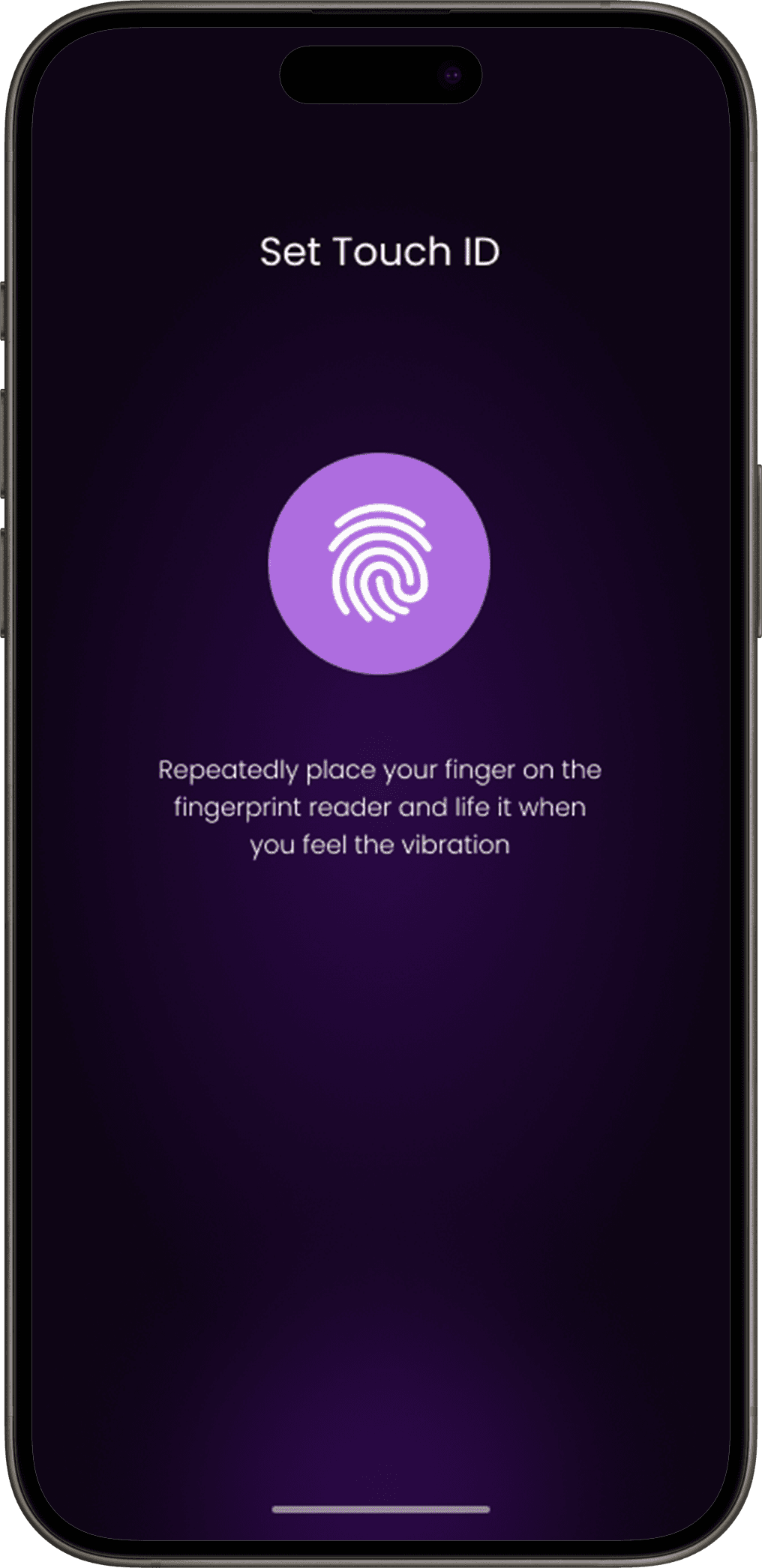
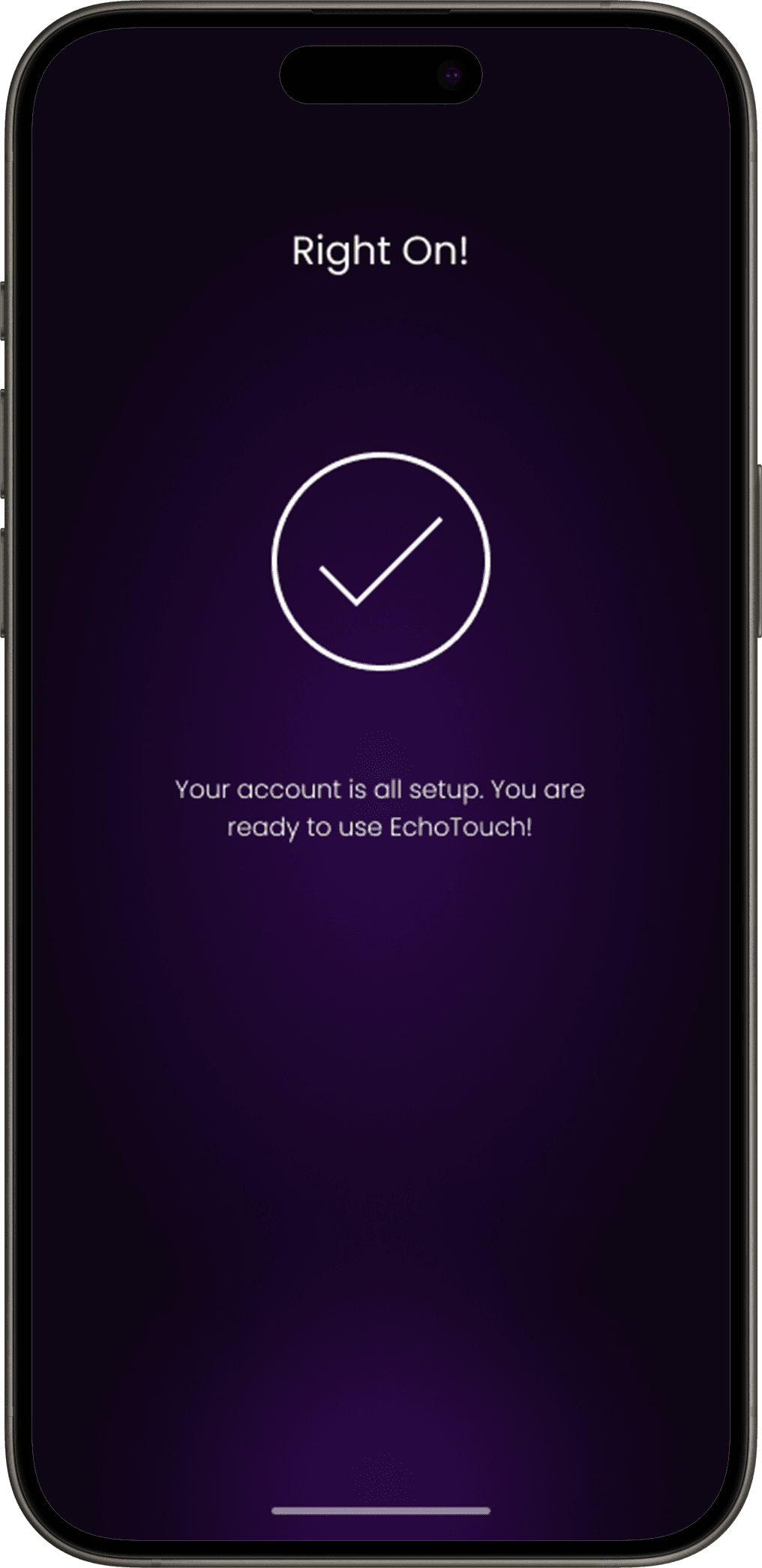
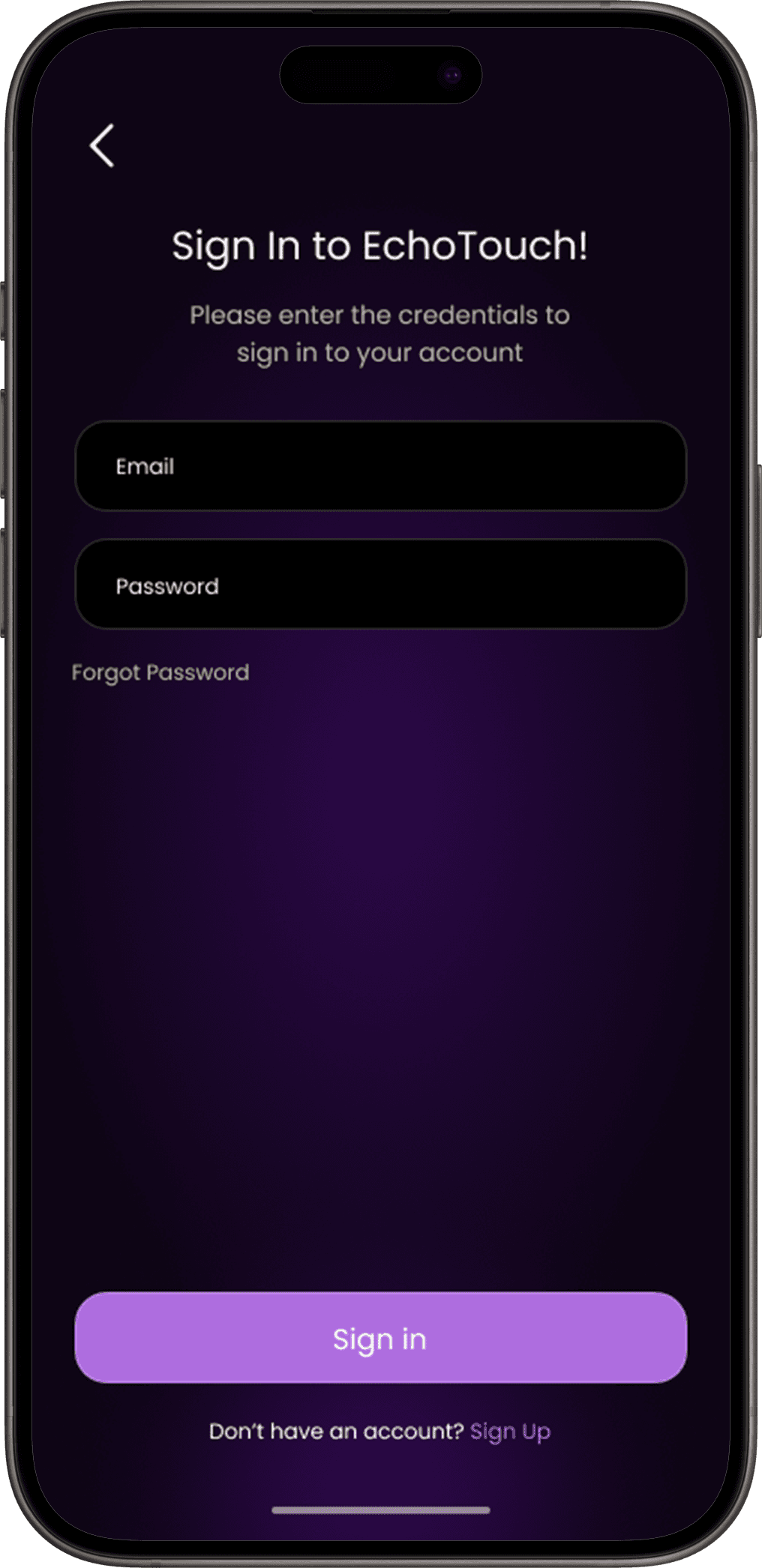
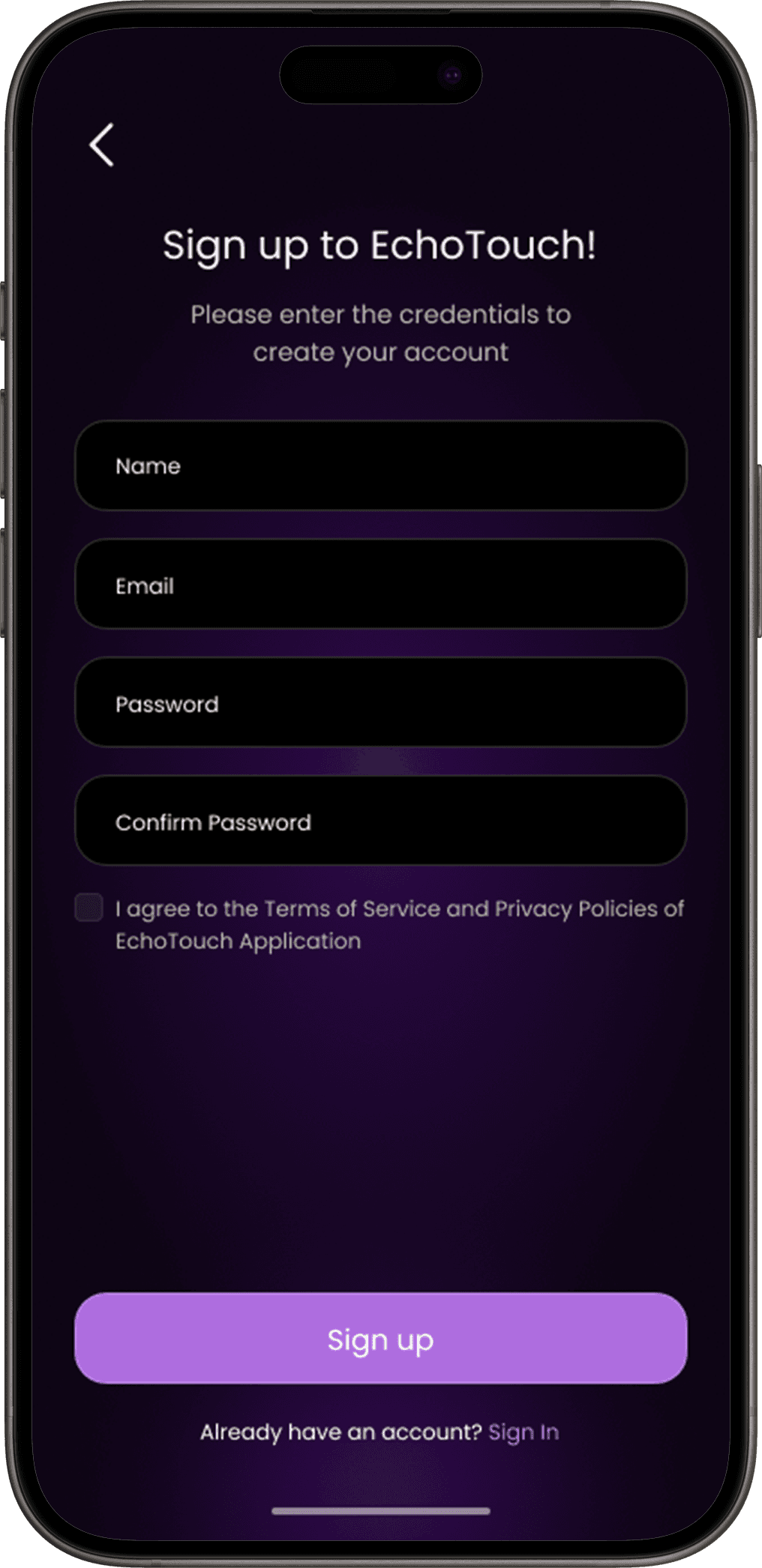
The main flow of EchoTouch is designed to be simple and voice-guided. Users can locate nearby ATMs, access audio instructions, and complete secure transactions— all through intuitive voice commands, ensuring a seamless and touch-free experience.
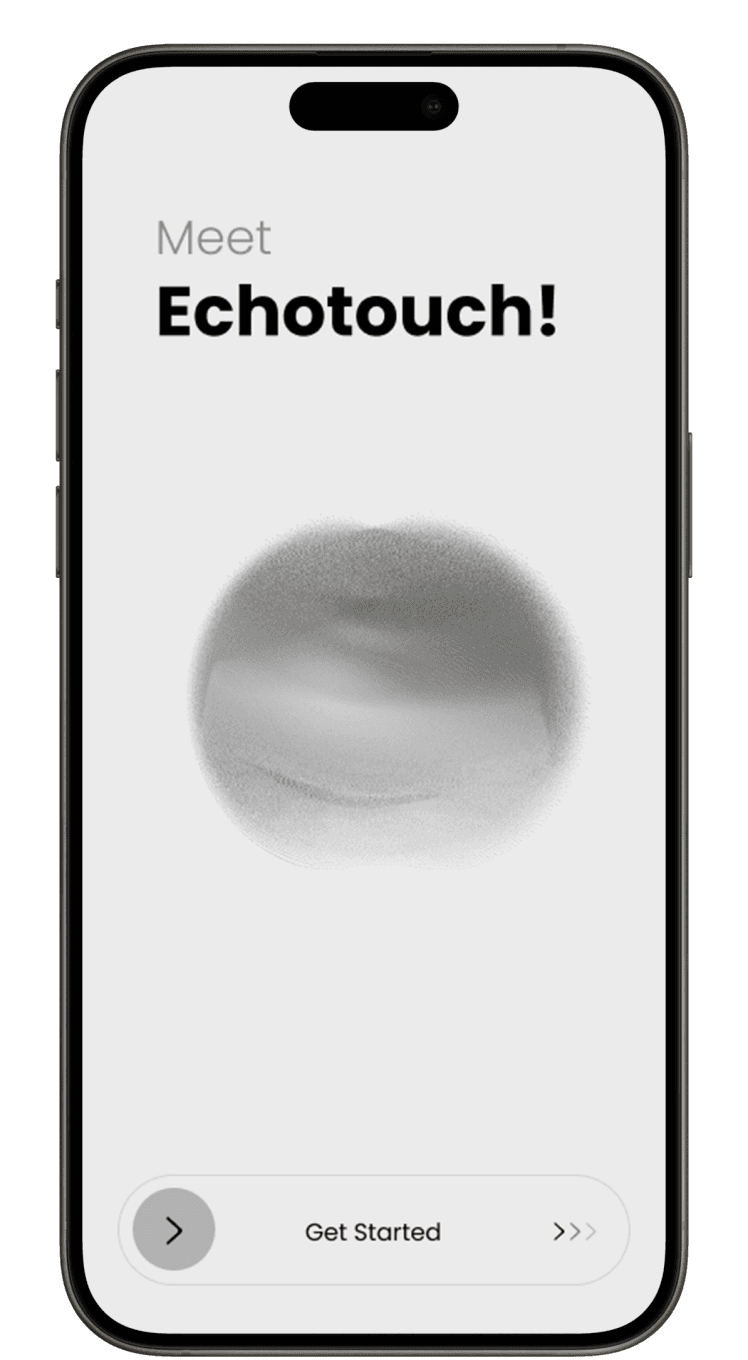
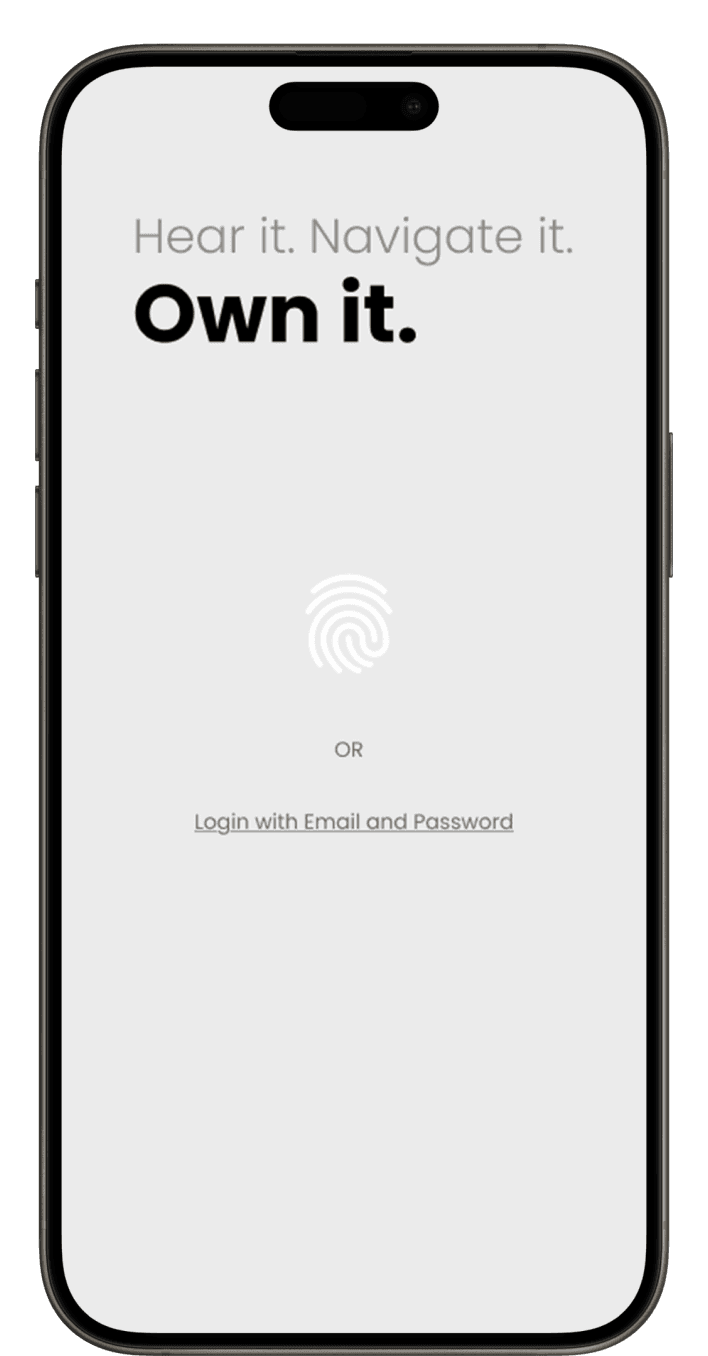
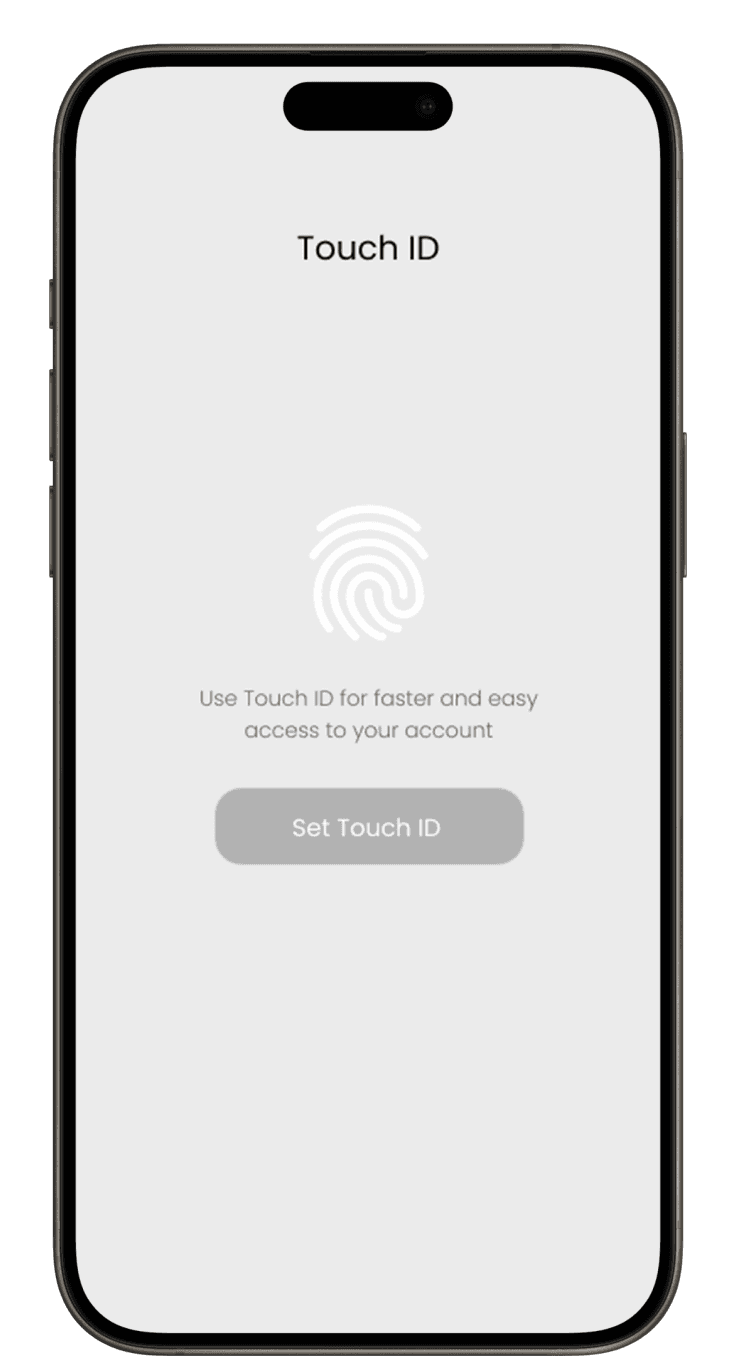
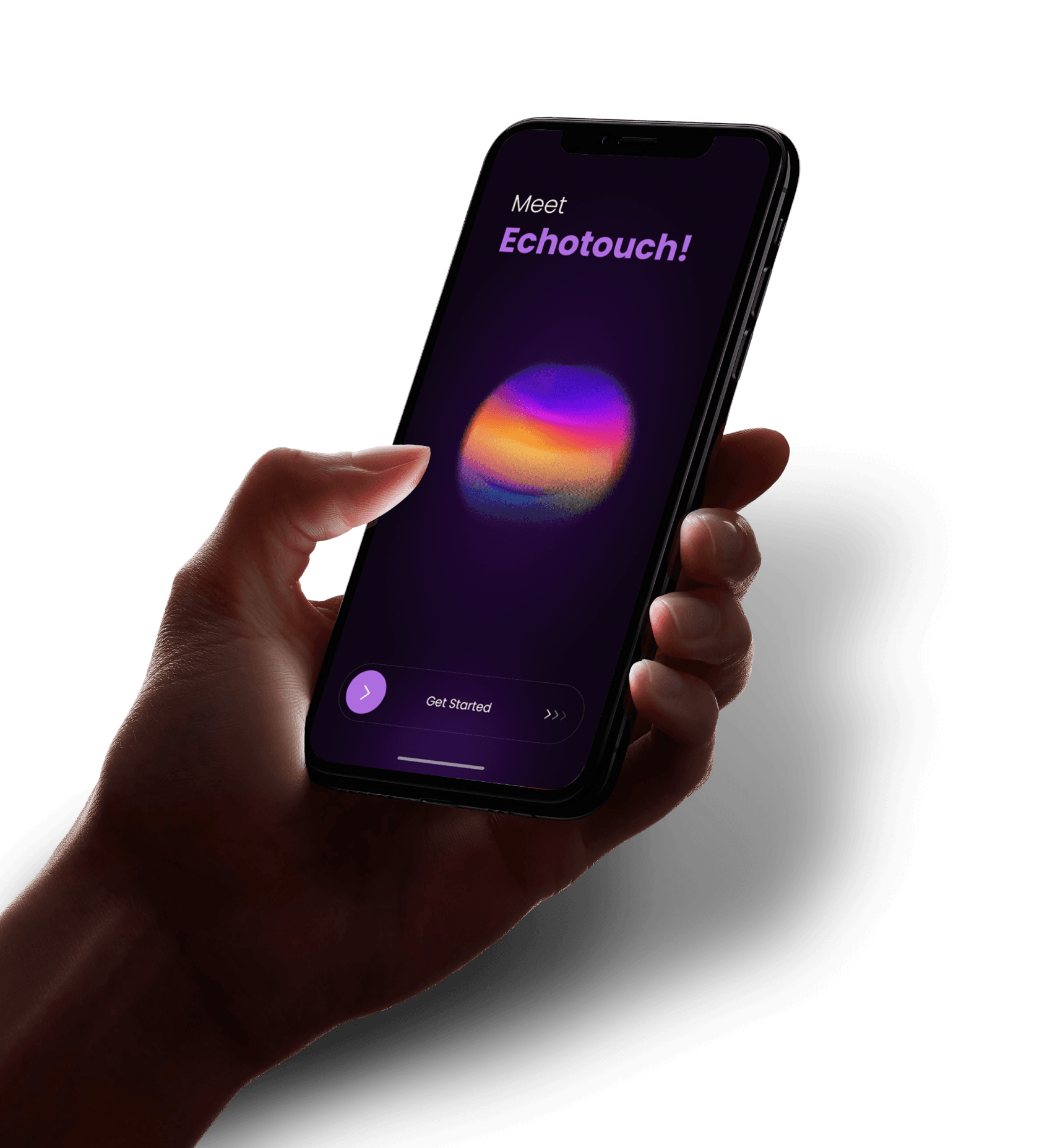
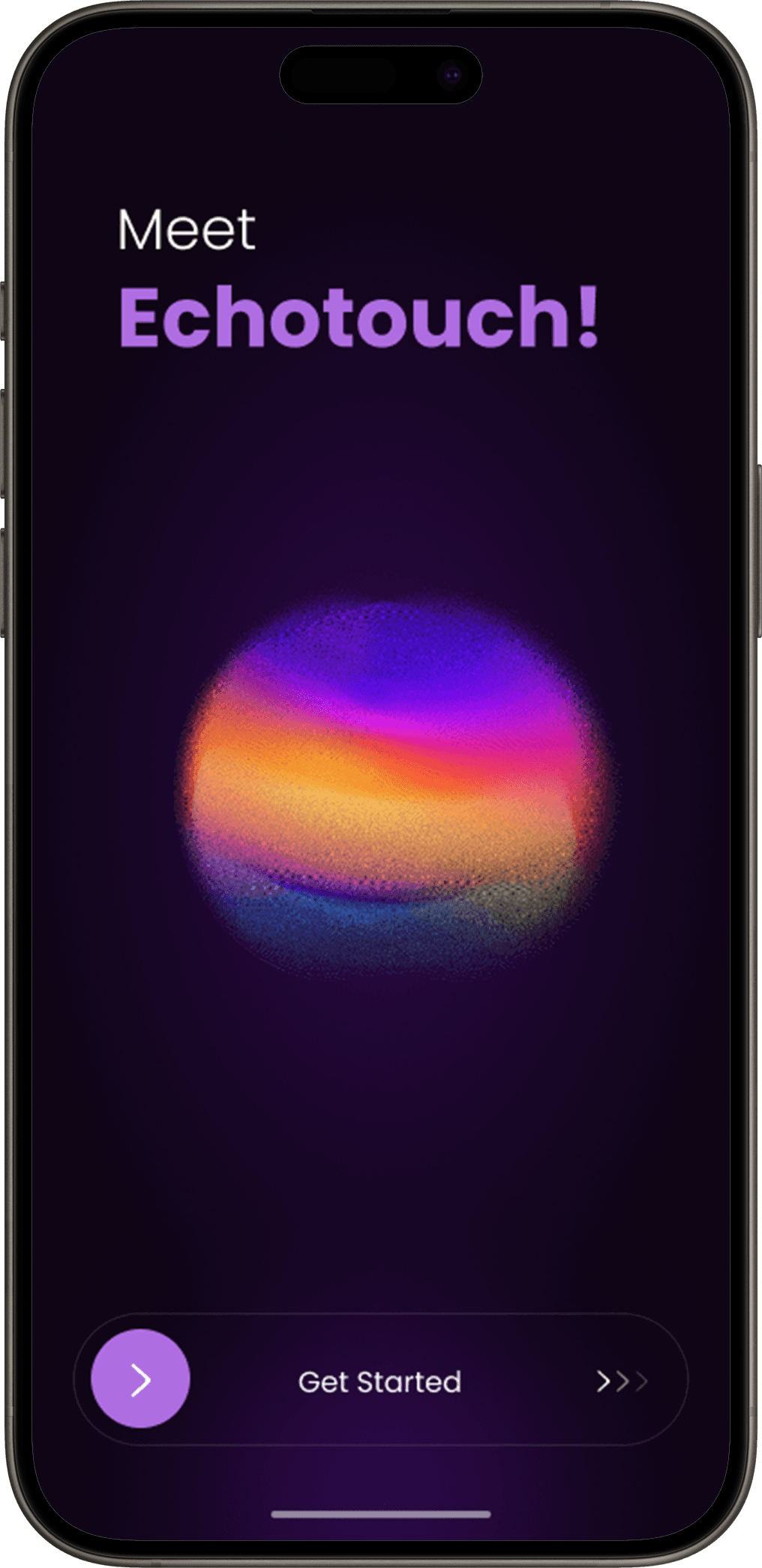
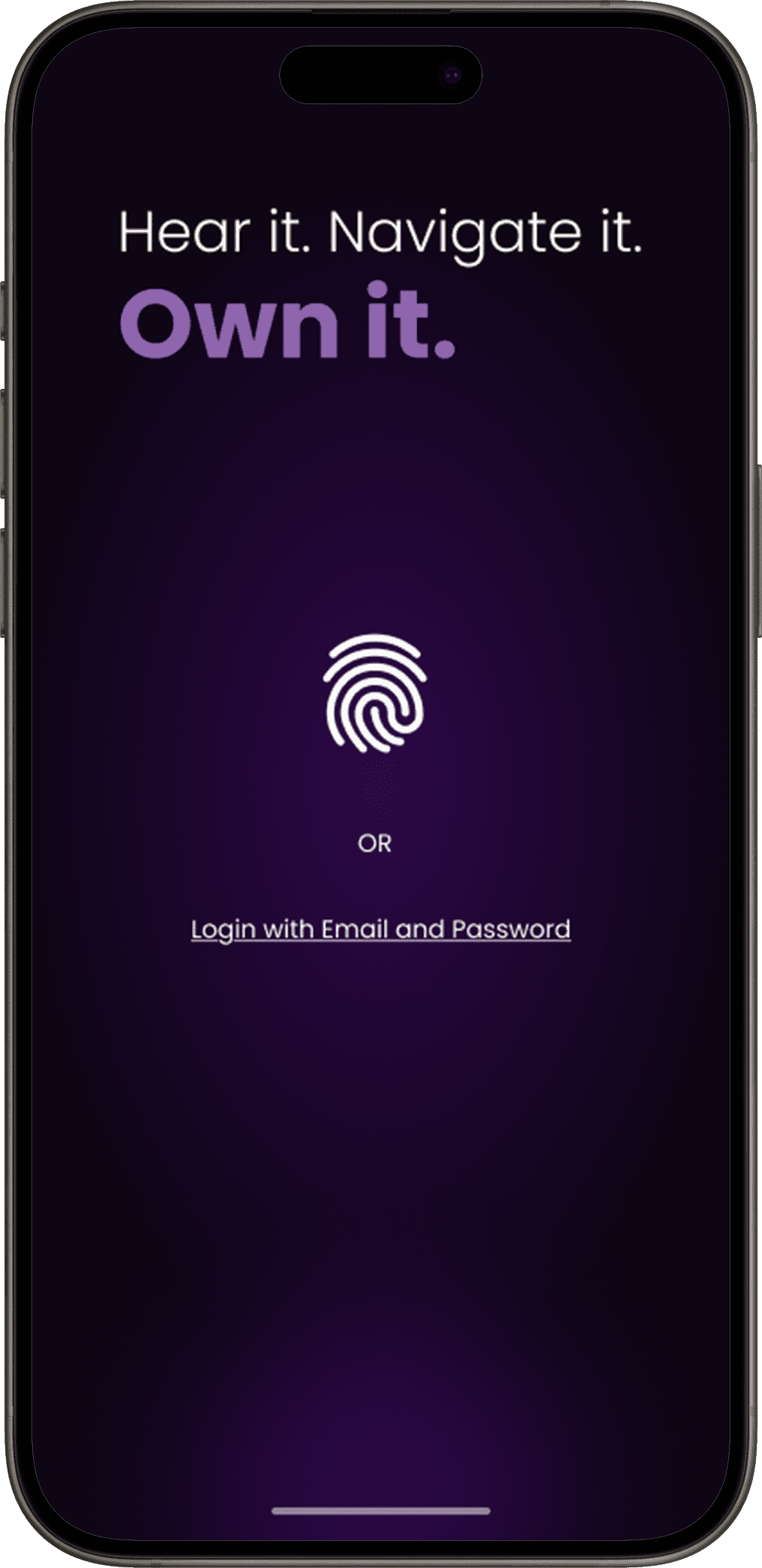
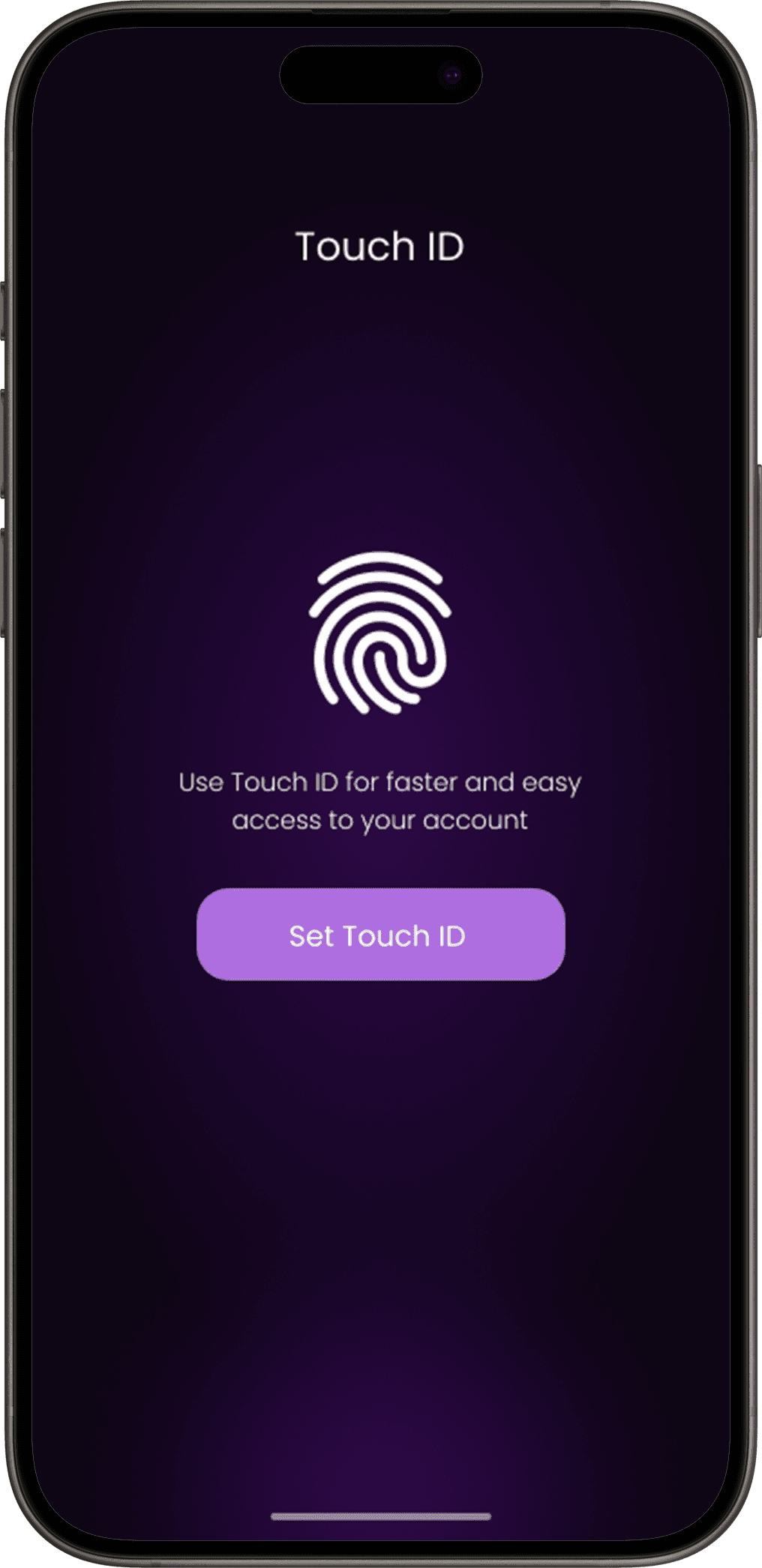
Onboarding and Registration Screens
You’ve reached the End
Thank you for stopping by
Home Screen
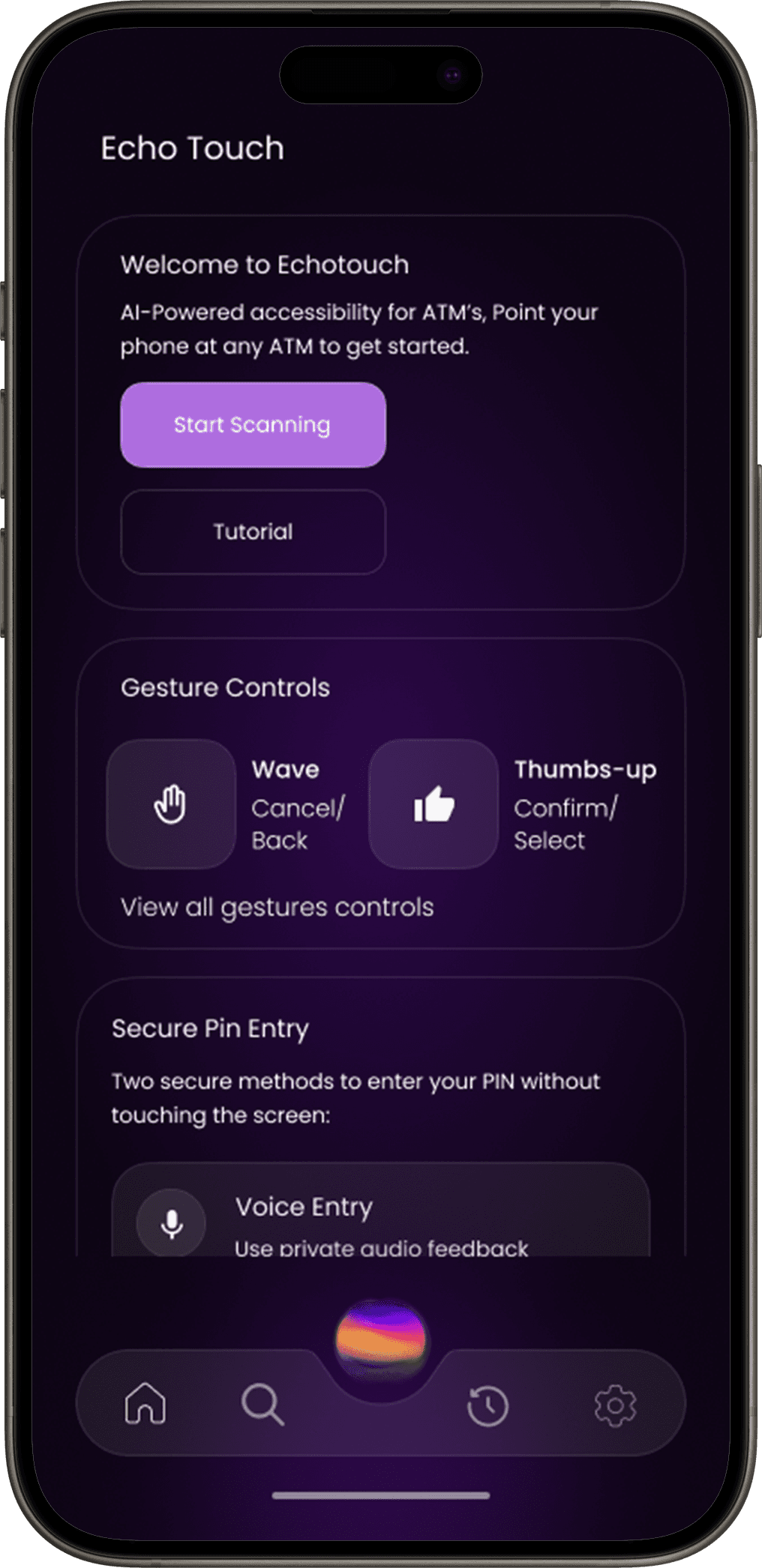
Scan ATM Interface
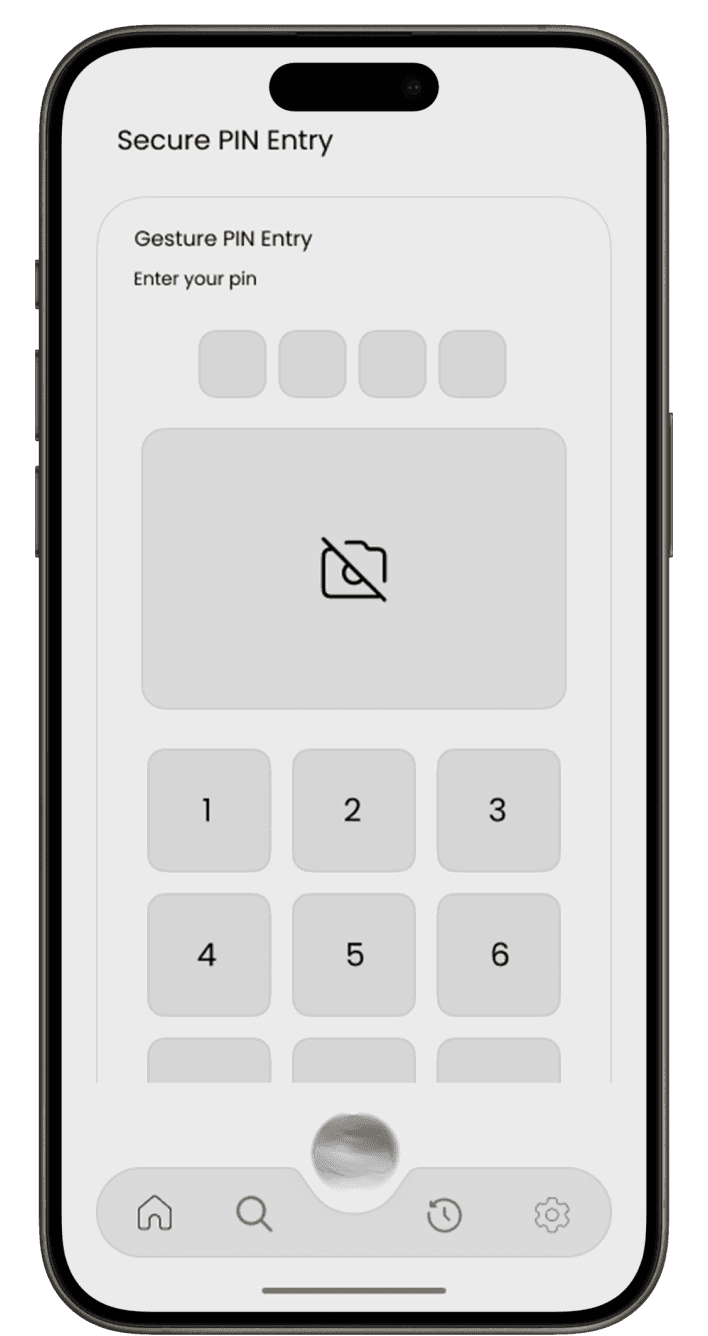
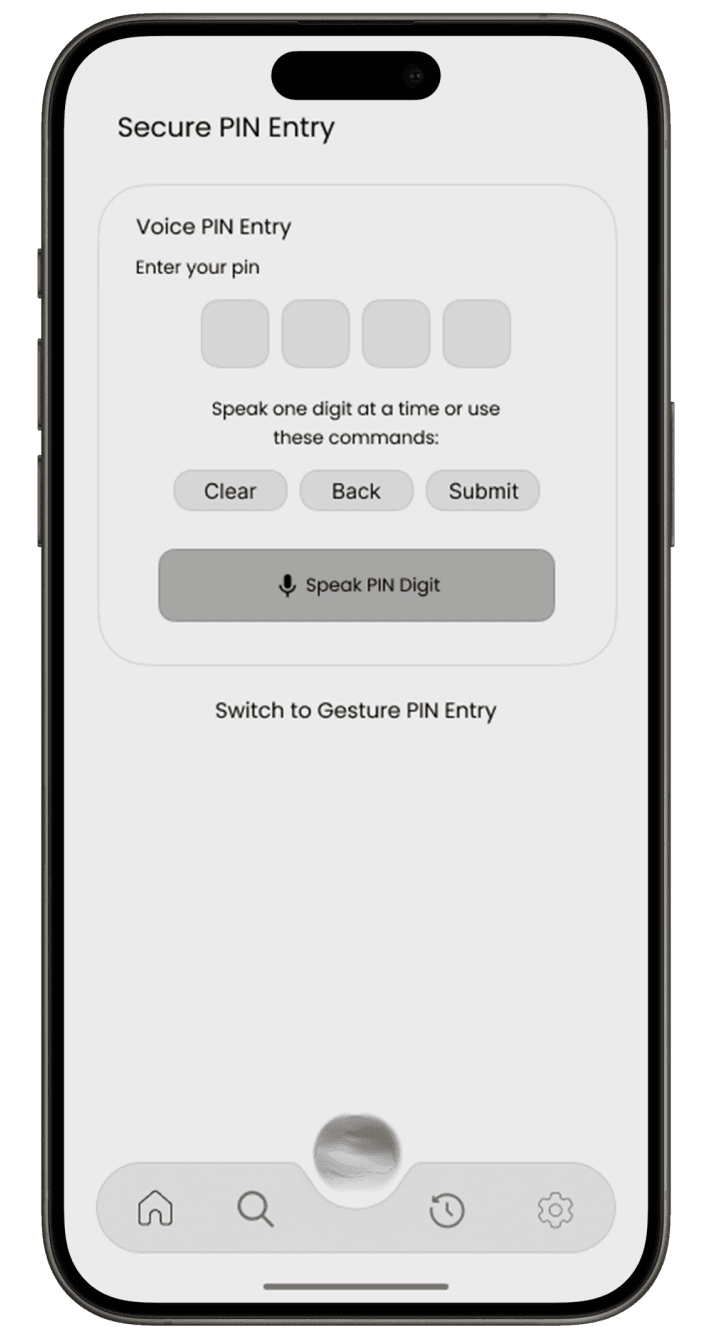
Secure PIN Entry
Gesture Control Guide
Point your camera at the ATM screen to hear what’s displayed, with options to confirm or go back.
Choose between voice input or gesture-based entry for a touch-free and private PIN experience.
Learn simple hand gestures to navigate the ATM interface easily
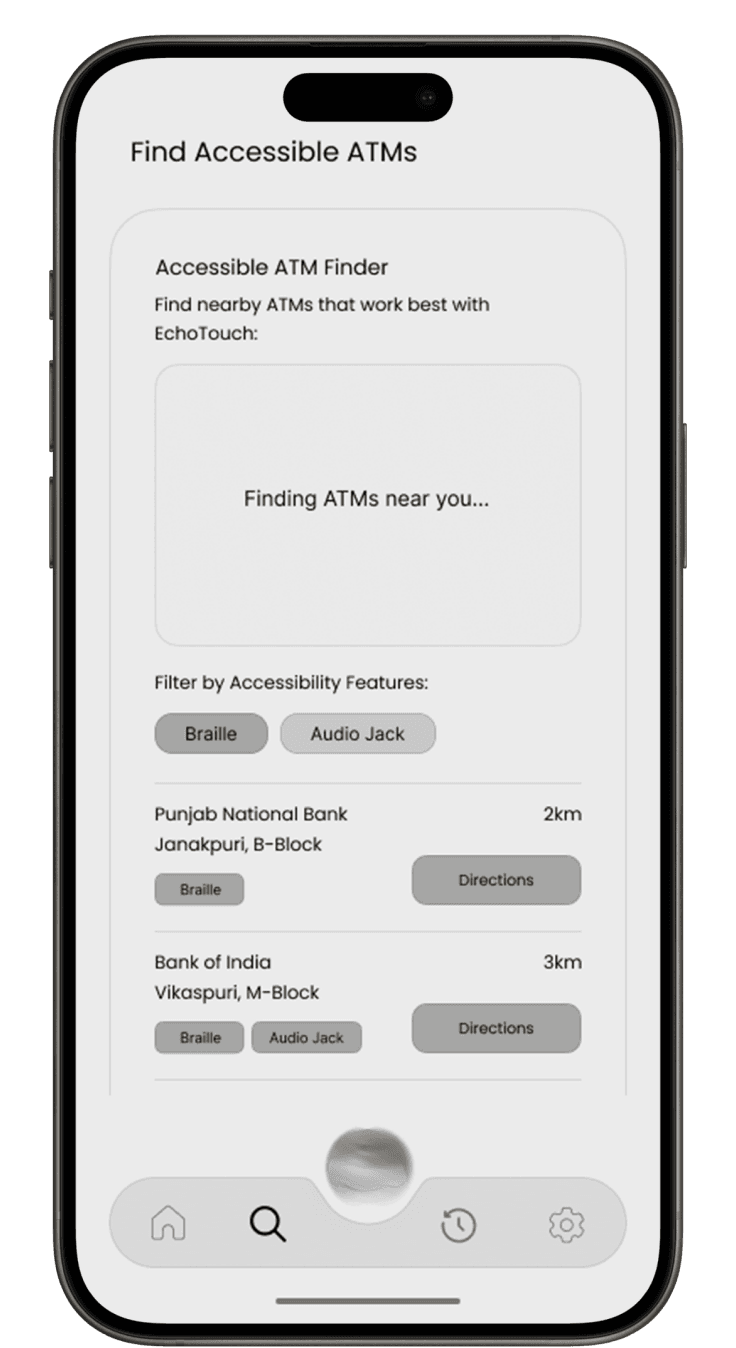
Find Accessible ATM
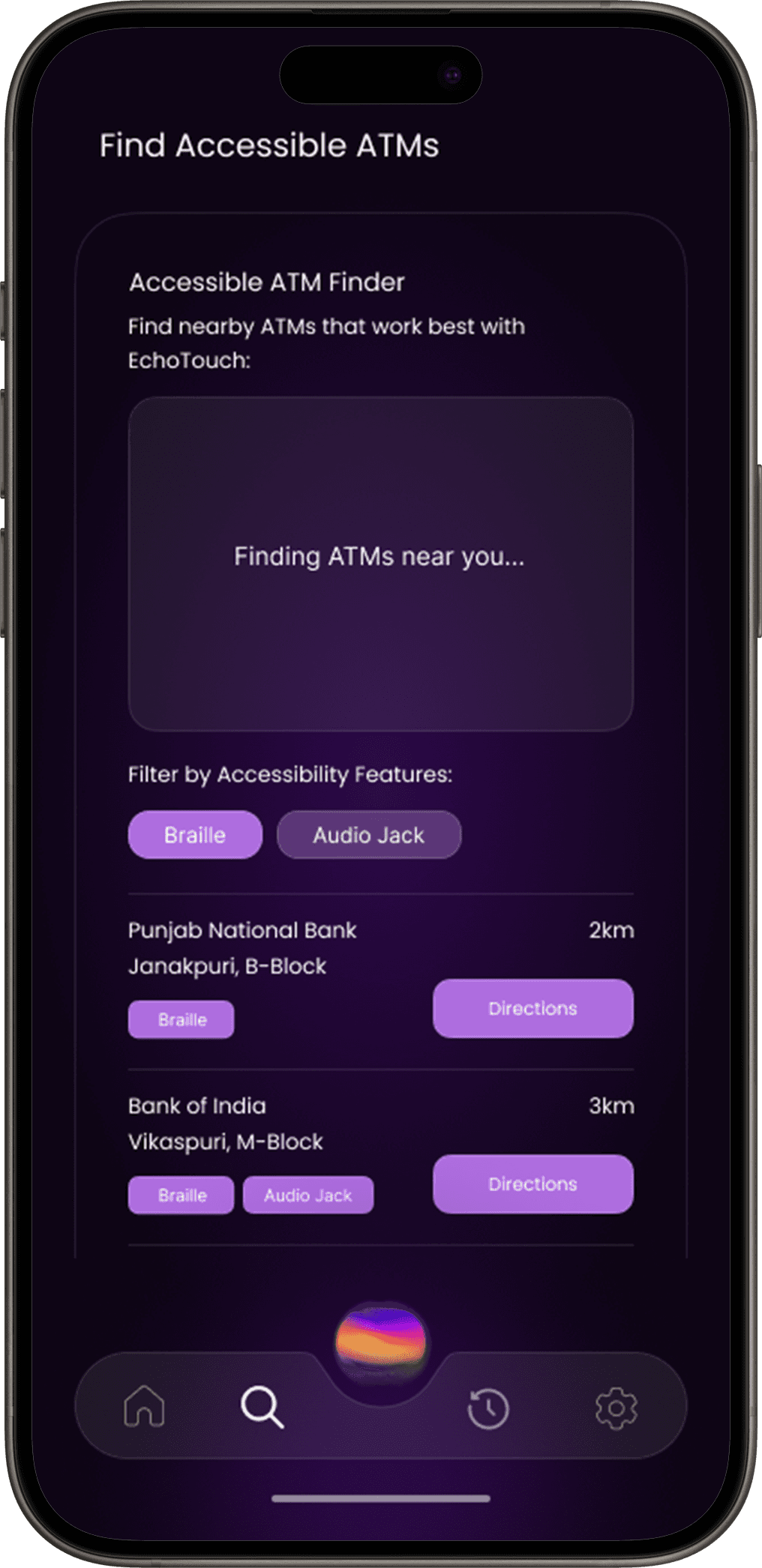
Nearby ATM Finder
Discover ATMs around you that are fully compatible with EchoTouch.
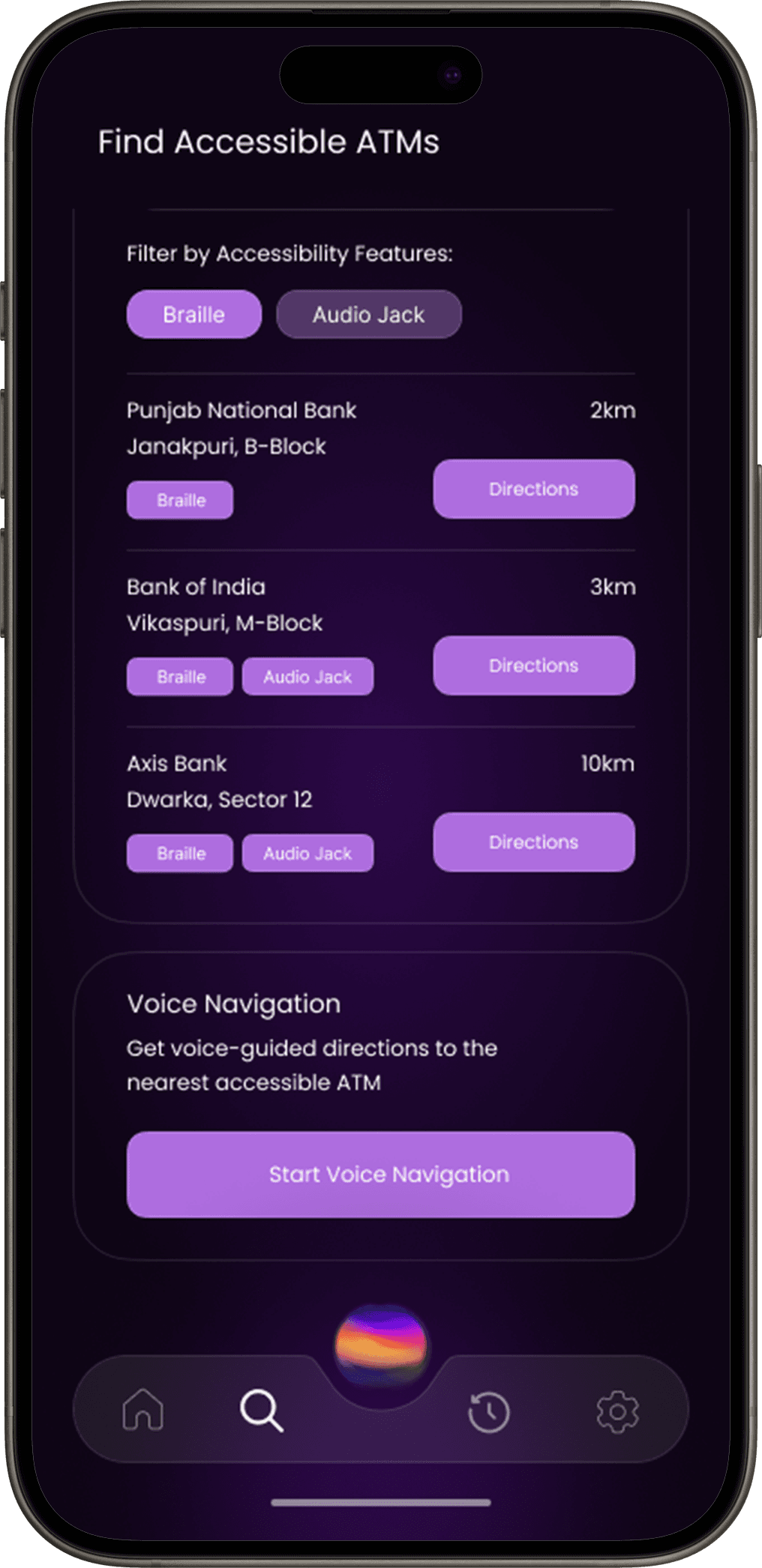
Voice Navigation
Receive step-by-step, voice-guided directions to reach the nearest accessible ATM smoothly.
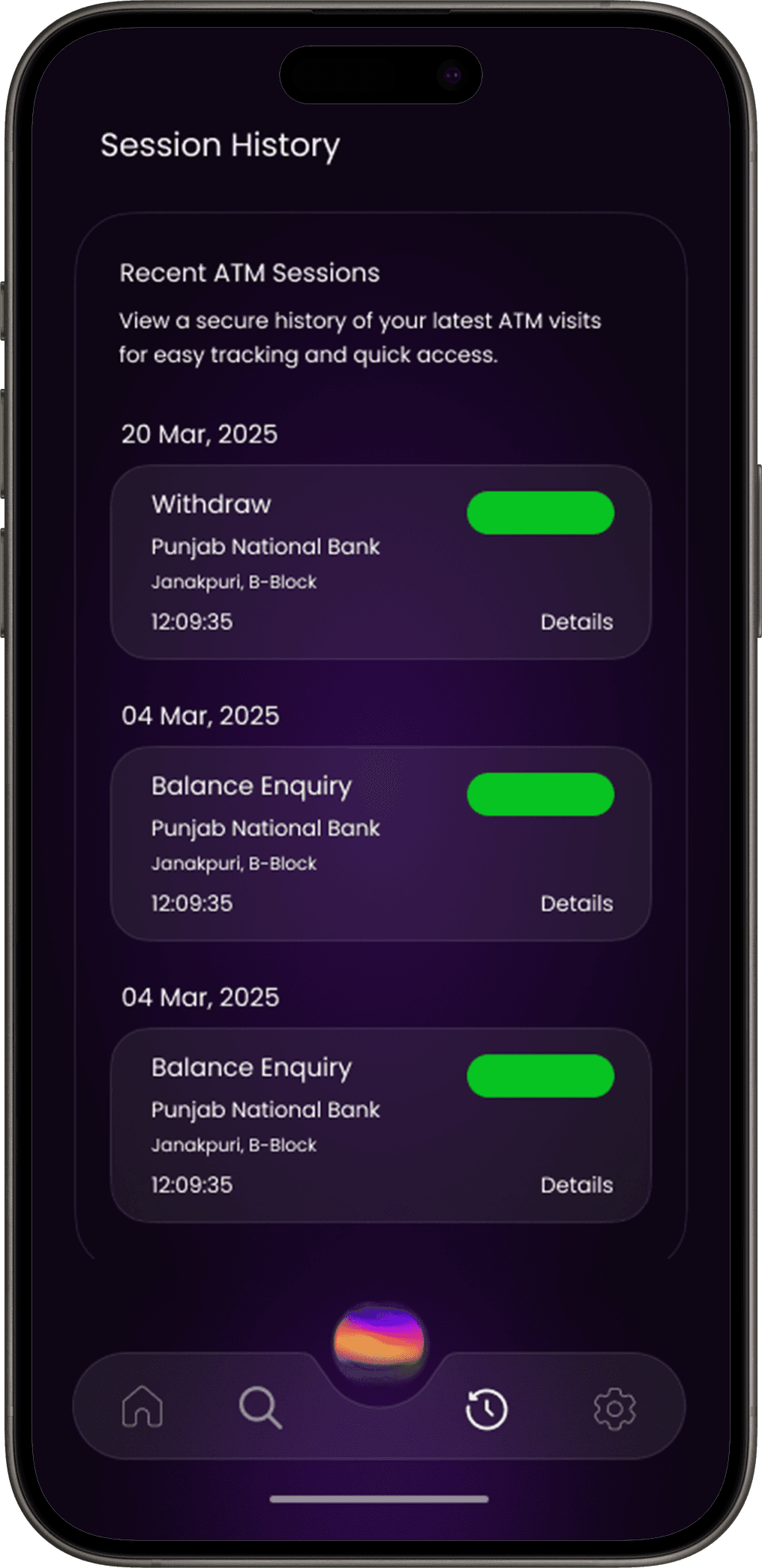
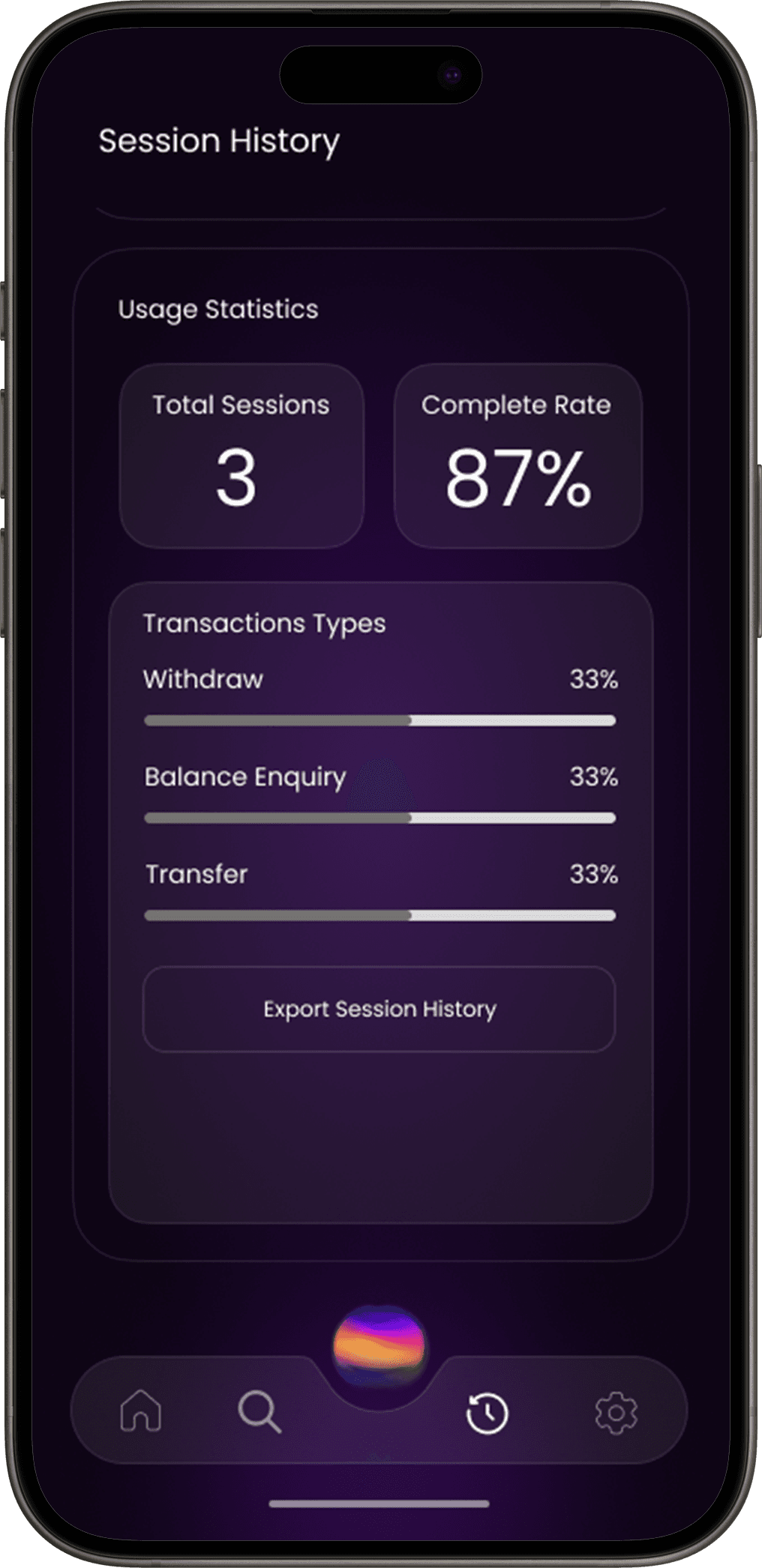
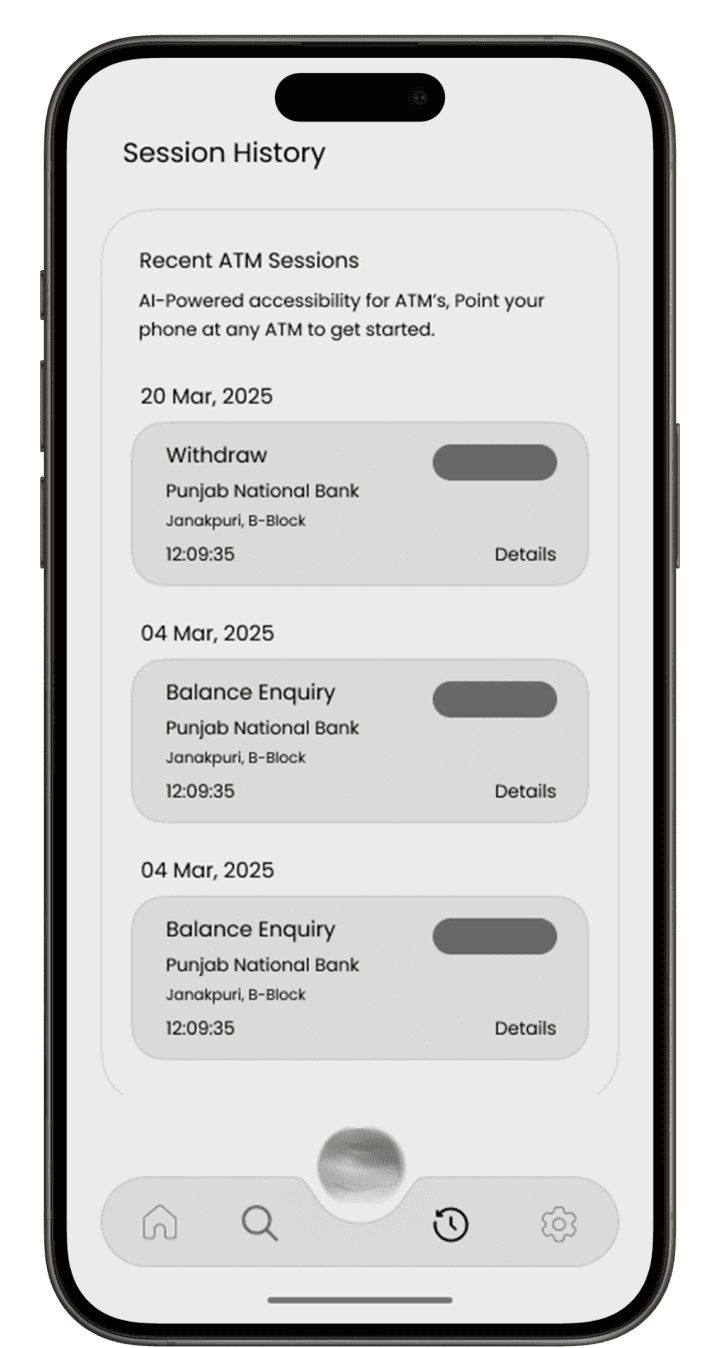
Session History
Usage Statistics
See total ATM sessions and types of transactions performed.
Recent ATM Sessions
Access a secure log of your latest visits for quick reference and tracking.
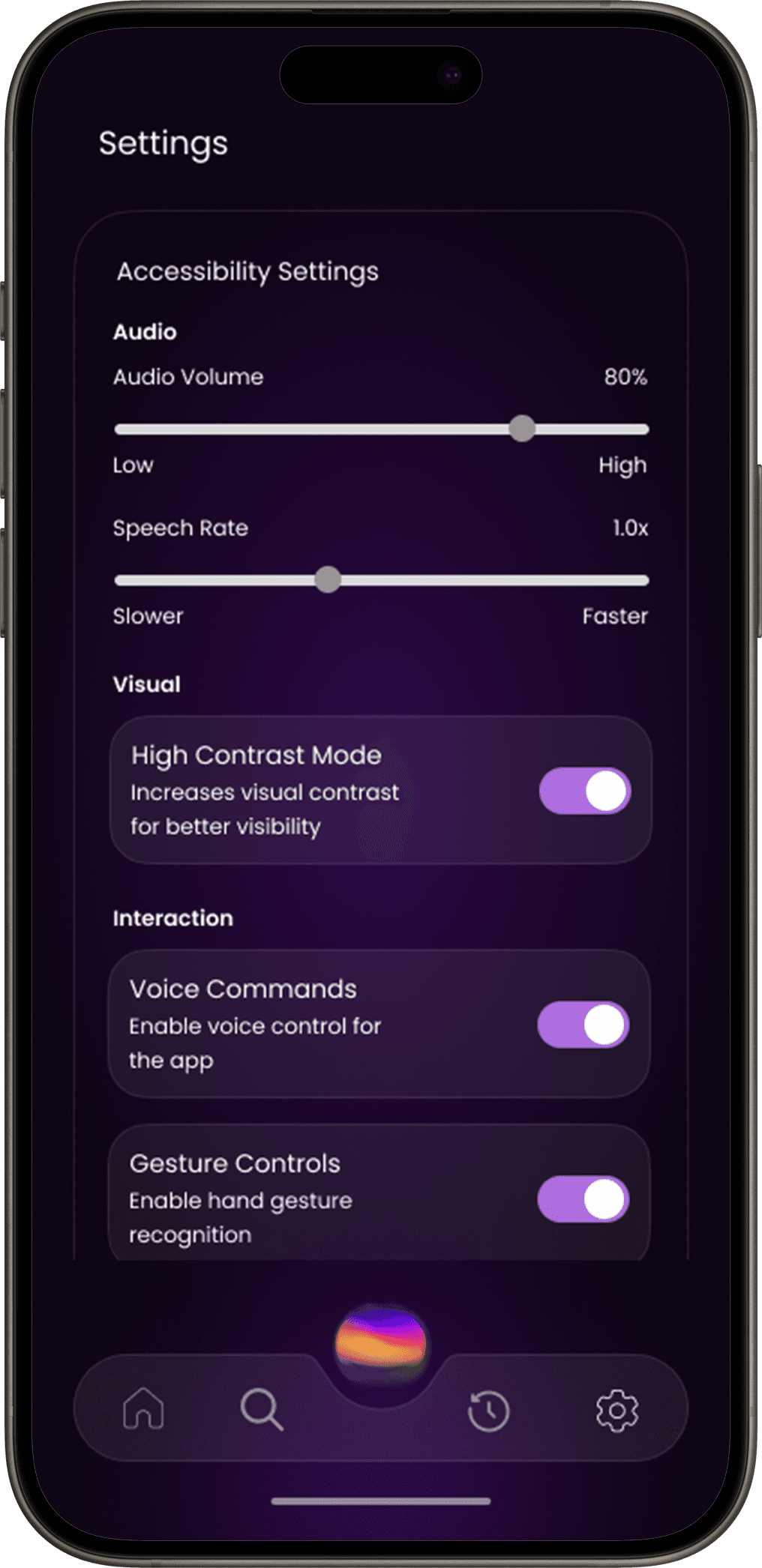
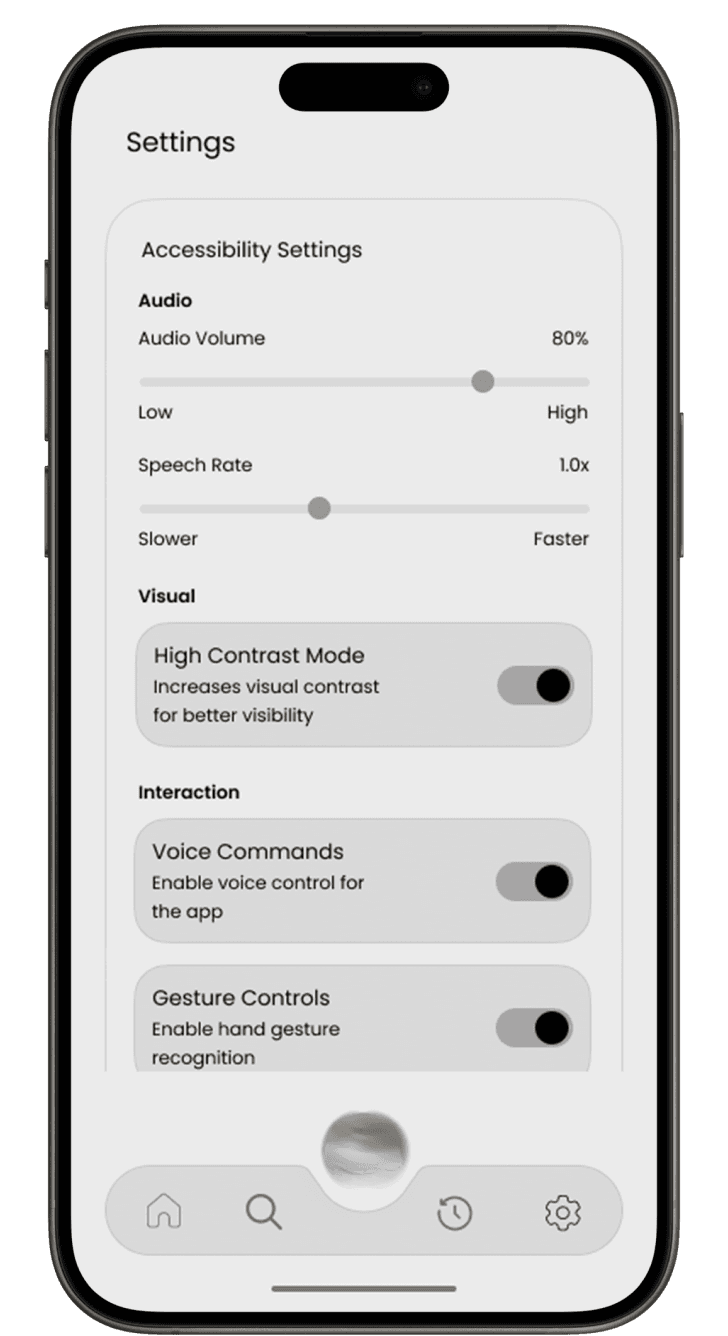
Settings
Accessibility Settings
Interaction Controls
Adjust audio volume and speech rate for a personalized experience.
Enable or disable voice commands and gesture controls based on your preference.